NICE Wingo 3524 drive kit for a single-leaf gate up to 3.5 m / 500 kg
TOP| Product availability: | In stock | We normally dispatch goods within 24 hours. |
|---|
in stock
€541.23 including VAT
| Weight |
|---|
| 12 kg |
Description of NICE Wingo 3524 drive kit for a single-leaf gate up to 3.5 m / 500 kg
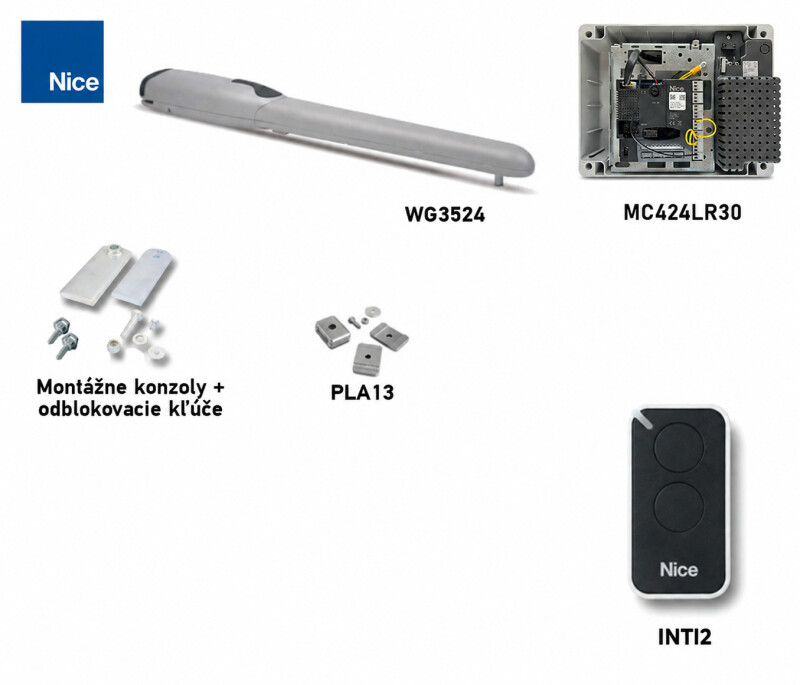
Gate operator NICE Wingo WG3524 is designed for automating swing gates up to leaf length 3.5 m and weight up to 500 kg. The operator is based on 24V and features PLA13 mechanical opening stop. The operator is non-reversible. The Wingo operators offer good value for money for automating swing gates in private and light industrial settings. The entire Wingo range is reliable and quiet. Detailed technical specifications ». Download the manual ». NICE Wingo WG3524 includes a new control unit MC424LR30 which incorporates the control board MCA2R30 with a built-in receiver, the slot for an additional receiver has been retained in case you want to use an older receiver with your remotes already programmed.
| The kit includes: | NICE-WG3524B1 | |||
|---|---|---|---|---|
 |
1 × | NICE Wingo WG3524 operator | NICE-WG3524 | |
|
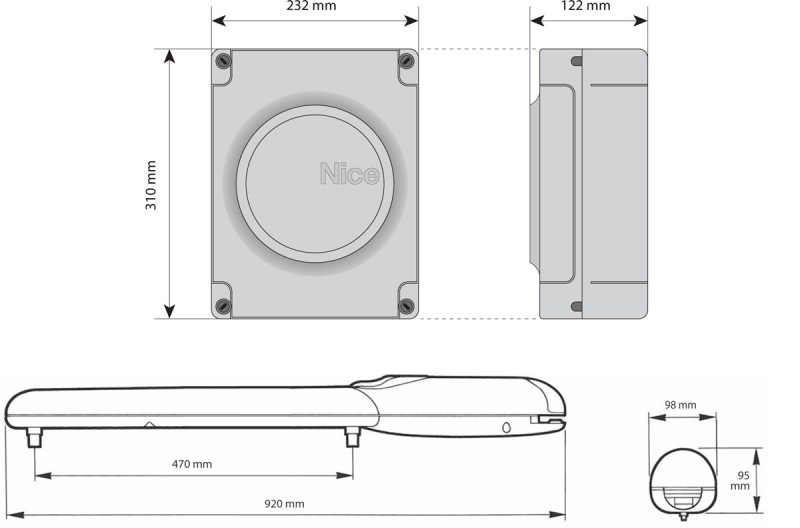
Electromechanical NICE Wingo WG3524 operator for gate leaves weighing up to 500 kg and measuring up to 3.5 m long. |
Details  |
|||
 |
1 × | NICE MC424LR30 control unit | NICE-MC424LR30 | |
|
Control unit in a stylish Moonclever housing, incorporating a MCA2R30 with a built-in receiver, to which the operators and accessories are connected, is an essential part of the automation system. |
Details |
|||
 |
1 × | NICE Era INTI2 remote control | NICE-INTI2 | |
|
Two-button remote control for operating your gate remotely. You can use it to control two devices or send two different commands to one device. |
Details |
|||
 |
2 × | Release key | ||
|
In the event of a power failure, it releases the operator so the gate can be moved manually by pushing or pulling. |
||||
 |
1 × | NICE Wingo WG3524 installation manual | ||
|
Installation manual with illustrated wiring diagrams and instructions for programming and pairing remote controls. |
Download |
|||
| 1 × | Installation accessories | |||
|
Components for installing the operator: front and rear brackets for welding. |
||||
(Is this operator right for me?)
Compare with other operators:
| « Lower-power kit | Alternative operator | Higher-power kit » | |||||
|---|---|---|---|---|---|---|---|
|
NICE Wingo WG2024 operator kit
|
230V NICE Wingo operator:
Quotation and delivery available to order. |
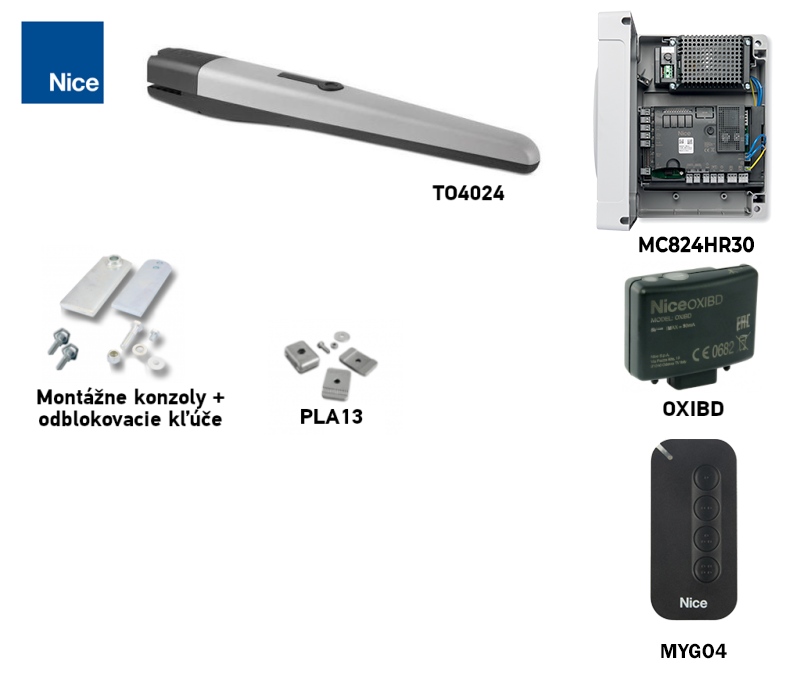
NICE Toona 4 TO4024 operator kit
|
OPERATOR FEATURES NICE WINGO WG3524
The operator features a two-piece body made of die-cast aluminium with a polyester finish that is resistant to weathering. All internal moving parts are made of steel, light alloys and technopolymers. The lead nut is made of bronze to ensure strength and quiet operation. The start capacitor is located inside the operator to make installation as simple as possible. The operators are dimensionally backward-compatible with the previous Moby and Pluto range from Italian manufacturer NICE; all mounting dimensions and pin diameters are the same. The operator uses 24V, making it better suited to applications with more frequent use than the 230V version. However, it is not suitable for windy locations, particularly with opaque, solid gate infills.
Control unit MCA2R30 in the control cabinet MC424LR30 allows easy programming, automatic detection of end positions, automatic fault diagnosis, adjustment of the pause time in automatic closing mode, pedestrian access, deceleration before the end positions, an obstacle impact detection system, and emergency operation when using the PS124 backup power supply, using the connecting cable CABLA11, an input for all types of safety edges for the operator, and much more.
ACCESSORIES COMPATIBLE WITH THE NICE WINGO WG3524 OPERATOR
We also recommend purchasing these optional accessories compatible with the operator:
| What | Why | Type |
|---|---|---|
| Control cabinet | The operator's control electronics. | |
| Warning light | Flashes to indicate gate movement—useful at exits with limited visibility. Also includes an antenna for greater remote-control range. |
Alternatively, all warning lights with 12V-24V power supply from other manufacturers. |
| Photocells | They detect obstacles while the gate is closing and stop its movement, preventing the gate from hitting cars or people. | |
| Transmitter | For remote control of the gate. | |
| Receiver |
For remote control of the gate. In the control unit MCA2R30 the receiver is already built in. These additional receivers are optional accessories. |
|
| Antenna |
For improved remote-control range. |
|
| Keypad |
If you forget your remote control, or if many vehicles or people come to your property and you don't want to give everyone a remote or open the gate yourself. |
|
| Key switch |
Operate the gate with a key using a switch connected to the drive by cable at any convenient location. |
|
| Card readers |
Operate the drive by presenting a card or key fob to the card reader. |
|
| Electric locks |
The safety electric locks are synchronized with the drive through the control unit. When a command is sent to the drive, the electric lock unlocks first, and only then does the gate begin to open. The lock engages again once the gate is closed. Required for gate leaves longer than 3.5 m. |
|
| Backup power supply |
Backup power supply. |
NICE WINGO WG3524 DRIVE MANUAL
NICE drive manual Wingo WG3524 download here:
NICE Wingo WG3524 drive manual

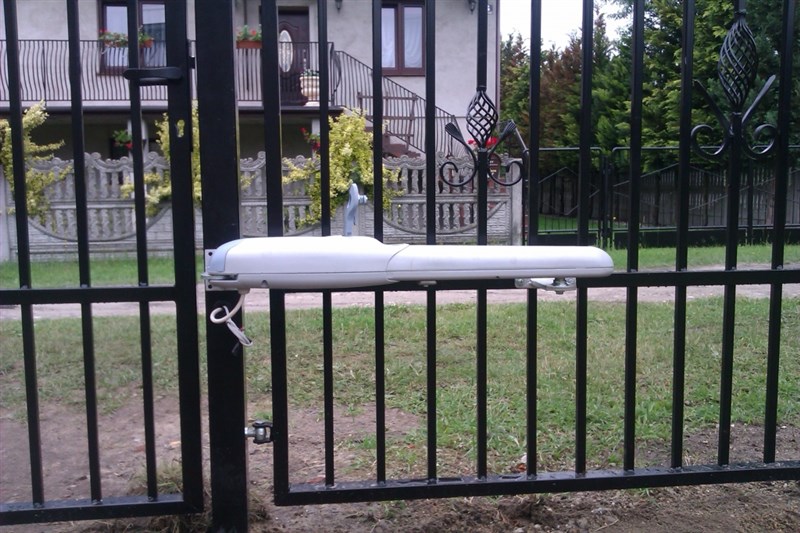
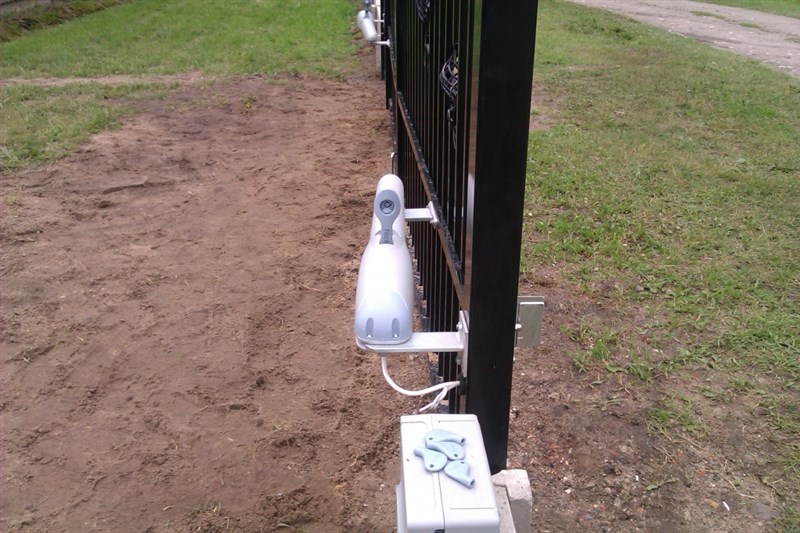
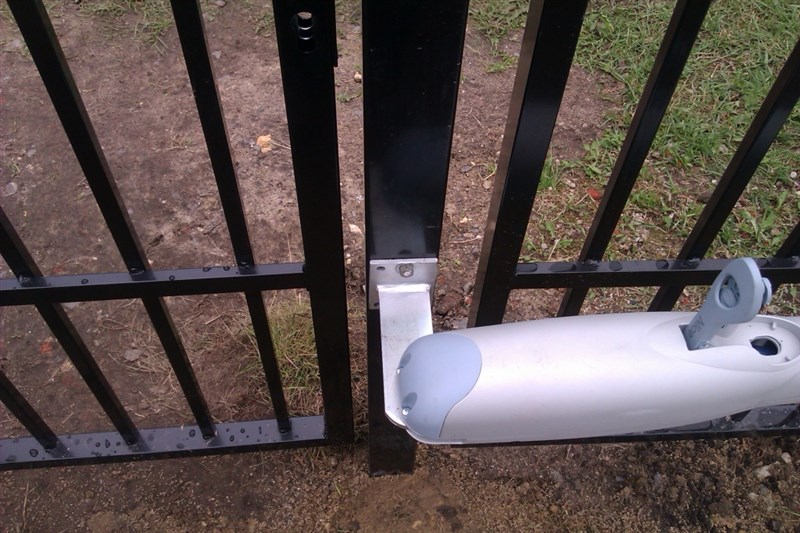
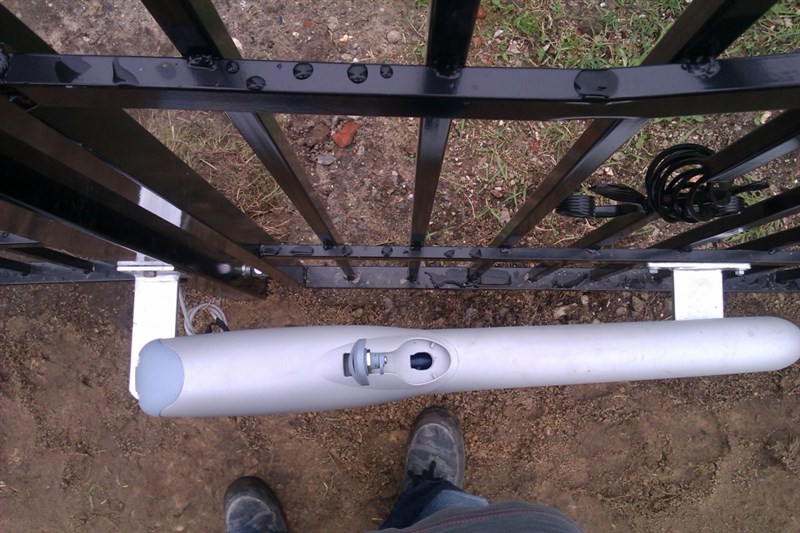
NICE Wingo drive photo gallery
|
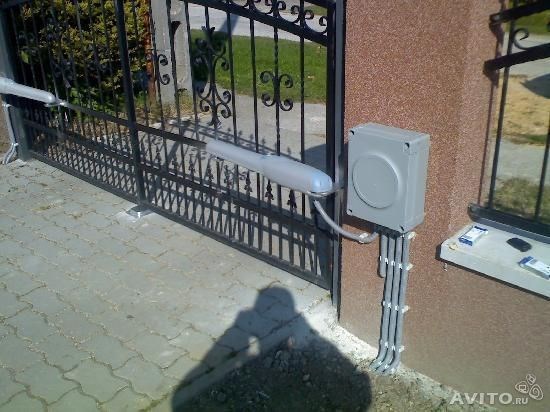
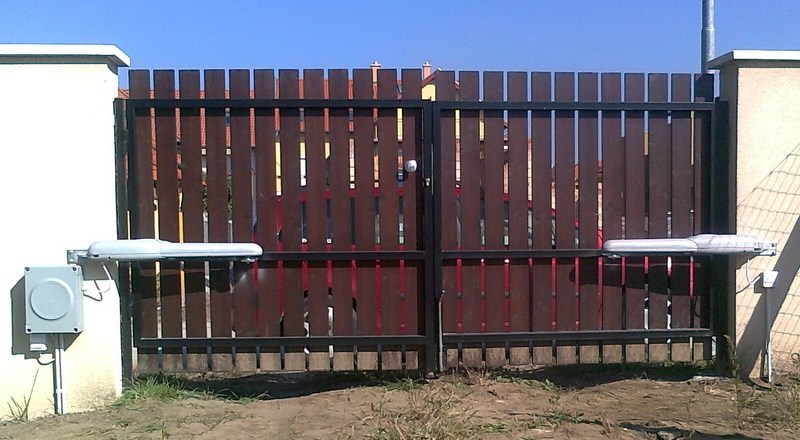
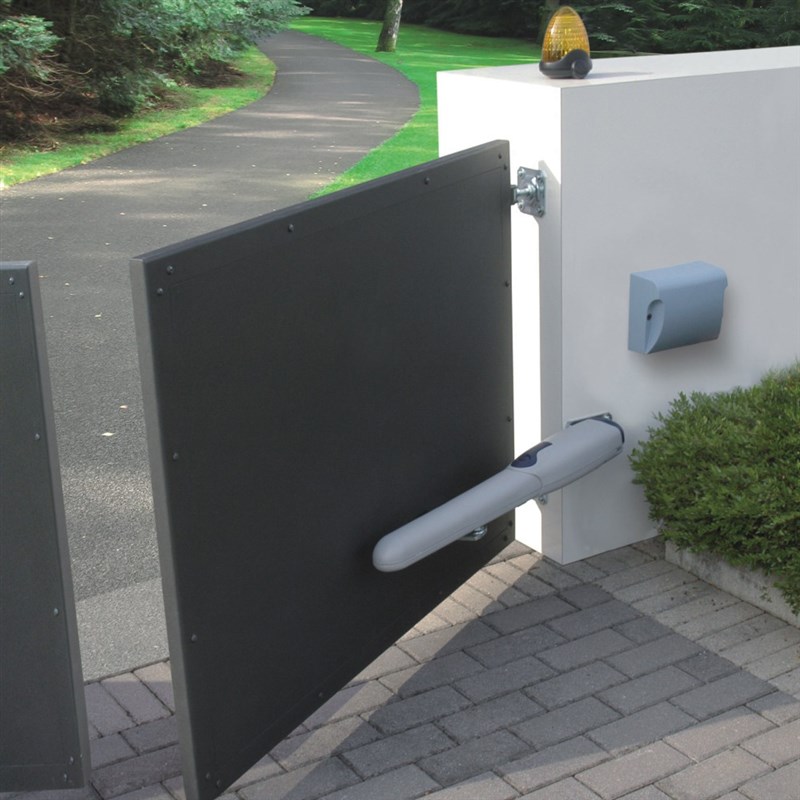
Installation example |
Installation example |
Installation example |
|
Installation example |
Installation example |
Installation example |
|
Installation example
|
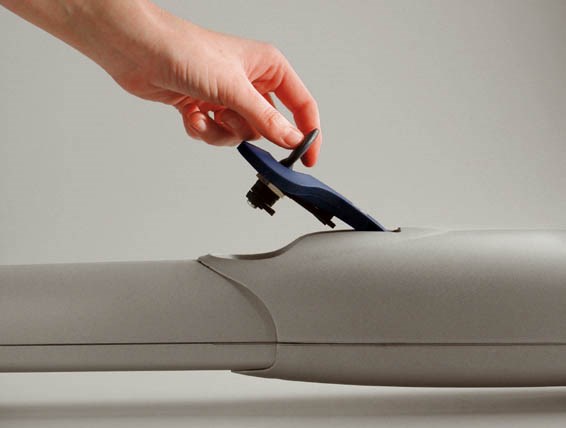
Actuator, unlocked |
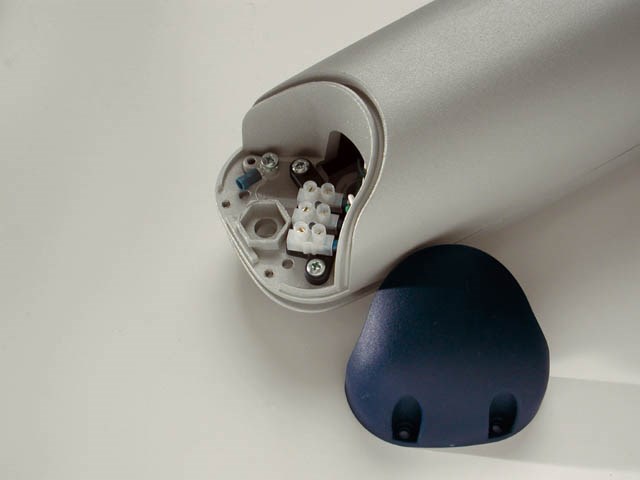
Actuator with cover removed |
|
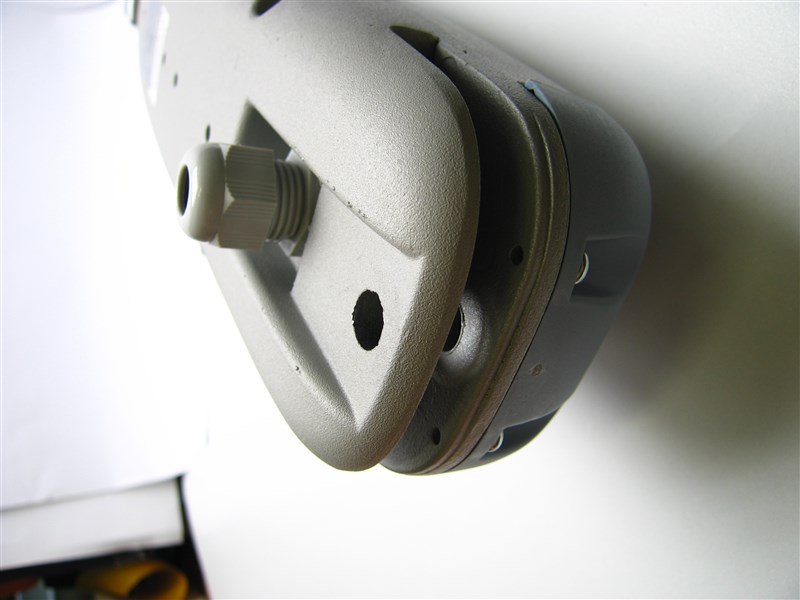
Rear view from below |
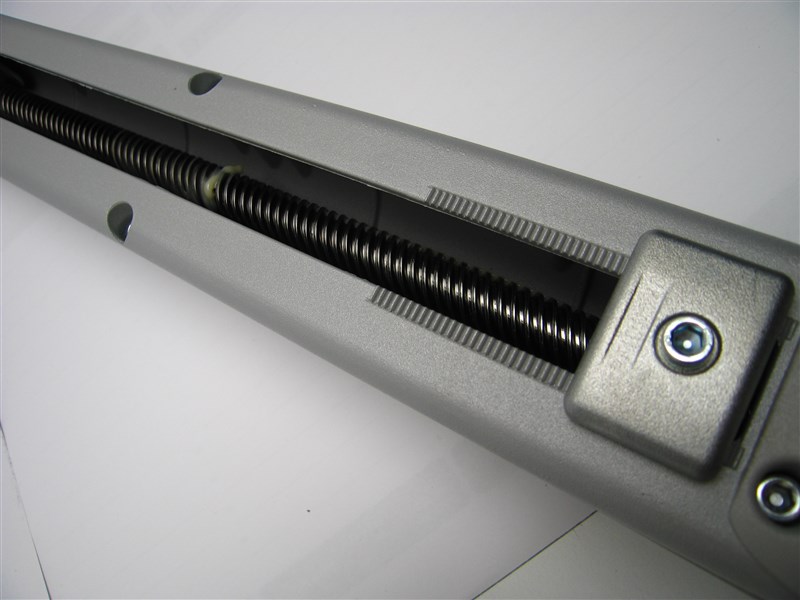
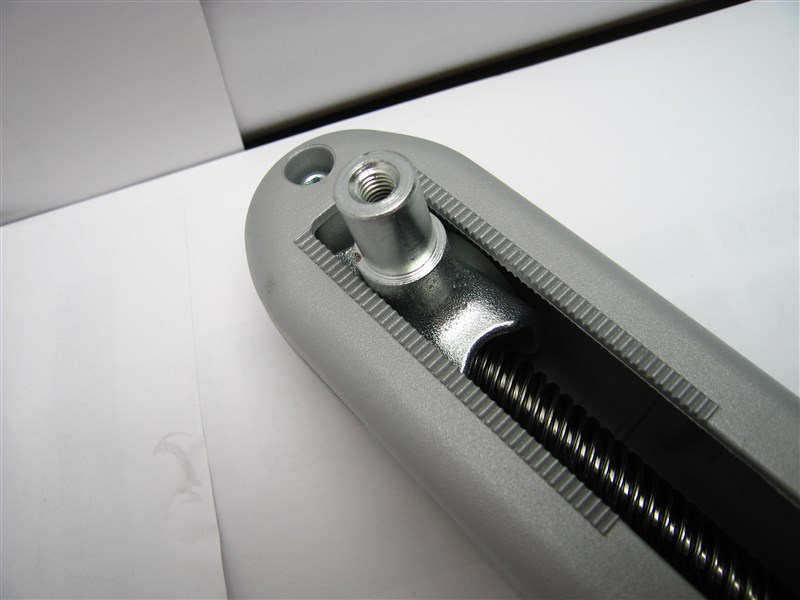
Worm screw and mechanical internal stop |
Front view from below |
|
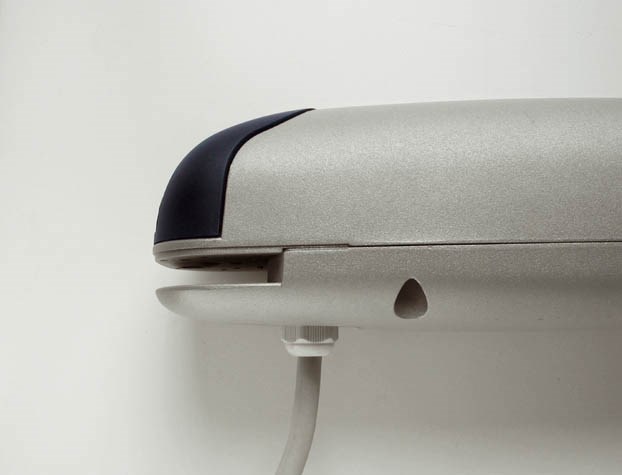
Rear view with cable connected |
Technical specifications
| Detailed technical specifications for NICE Wingo WG3524 actuators > | Detailed technical specifications for the NICE Moonclever MC424LR30 control unit > |
How can I order this item?
Choose the option that suits you:
- order online: use the buy button to add the goods to your shopping cart (you will find the buy button here in the product variants table).
- order by email: place your order at [email protected]






