NICE EDSWG – three-channel wireless digital keypad
| Product availability: | In stock | We normally dispatch goods within 24 hours. |
|---|
in stock
€134.44 including VAT
| Weight |
|---|
| 0,30 kg |
Description of NICE EDSWG – three-channel wireless digital keypad
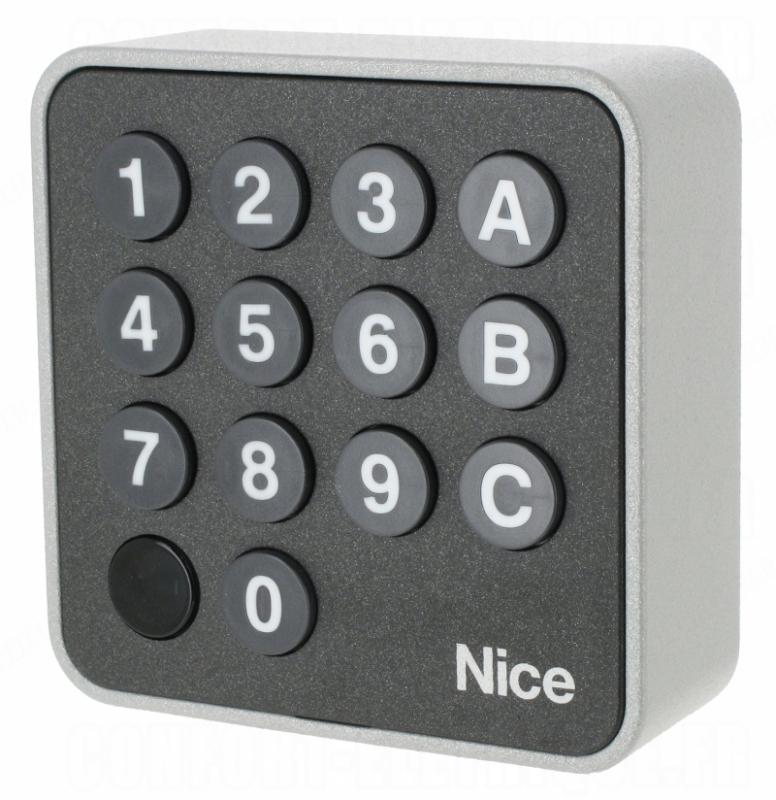
Wireless digital keypad NICE EDSWG family NICE is a three-channel remote control for operating drives and automation by NICE with 433.92 MHz rolling code. For a command entered on the keypad to be executed, the correct security code must first be entered. The keypad is suitable for indoor, as well as outdoor use. It is powered by a CR 2032. With 10 uses per day, the battery lasts approximately two years.
It works on the same principle as remote control, so it can be placed anywhere within signal reception range drive. It is also possible to install several keypads on a single drive.
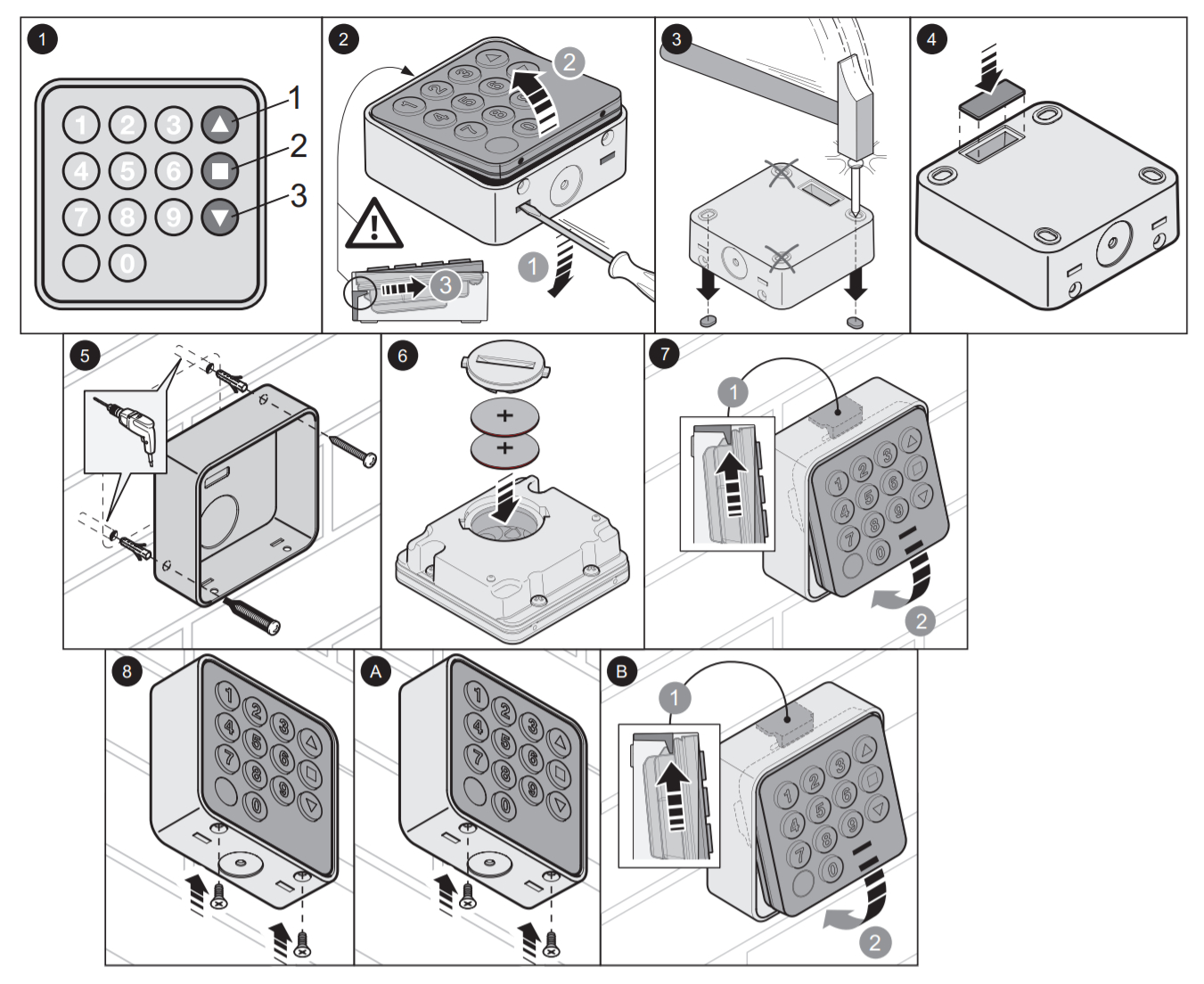
Using the keypad
The keypad works just like a remote control, except you must first enter a numeric code. The keypad has three buttons (channels), so you can use it to control three drives, or assign two different commands to one drive.
| Command 1 | Command 2 | Command 3 |
|---|---|---|
|
Enter the code and press button A |
Enter the code and press button B |
Enter the code and press button C |
The command will be executed (sent to the drive) only if you enter the correct code. The code must be entered exactly; for example, 0422 is not the same as 422. The pause between key presses must not exceed 6 seconds.
Registering the keypad in the receiver's memory
| Registering in memory in Mode I. | Registering in memory in Mode II. | ||||||||||
|---|---|---|---|---|---|---|---|---|---|---|---|
|
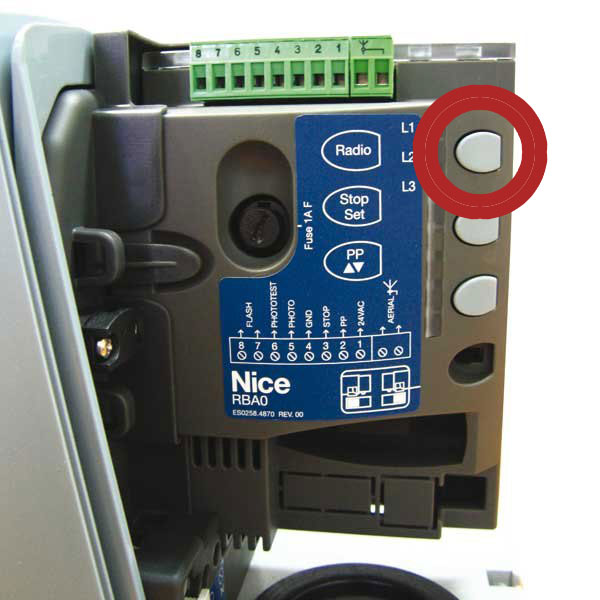
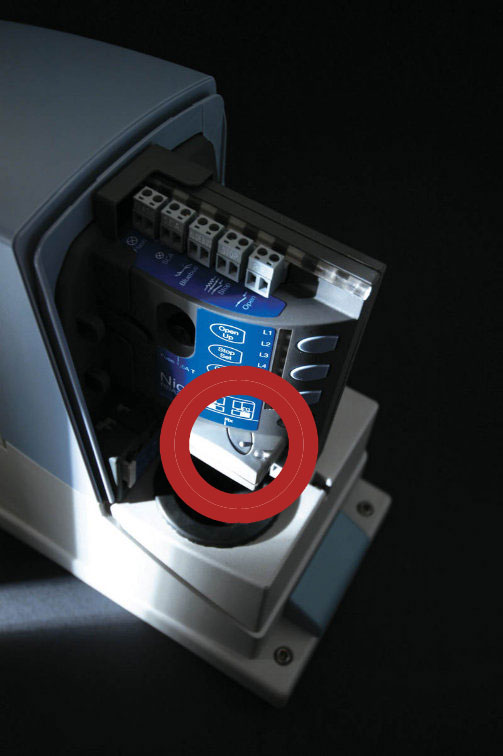
Registering the keypad in memory in Mode II is done in two steps: 1. Select the command
2. Registering the keypad Procedure:
|
Changing the code on the NICE EDSWG digital keypad
| For command 1, button A | For command 2, button B | For command 3, button C |
|---|---|---|
Changing the code for command 1 (example):
|
Changing the code for command 2 (example):
|
Changing the code for command 3 (example):
|
If you do not enter a code, you can operate the device simply by pressing button A, B or C. Important: Make a note of the changed code. If you lose or forget it, the keypad can only be reset at the NICE factory in Italy, for a service fee.
Technical specifications of the NICE EDSWG keypad
| Frequency: | 433.92 MHz (±100KHz) |
|---|---|
| Number of channels: | 3 buttons |
| Number of digits in the code | 0–9 digits |
| Power supply | CR 2032 |
| Battery life: | approximately 2 years at 10 uses per day |
| Signal encoding: | rolling code |
| Operating temperature: | -20°C to 55°C |
| Protection rating: | IP54 |
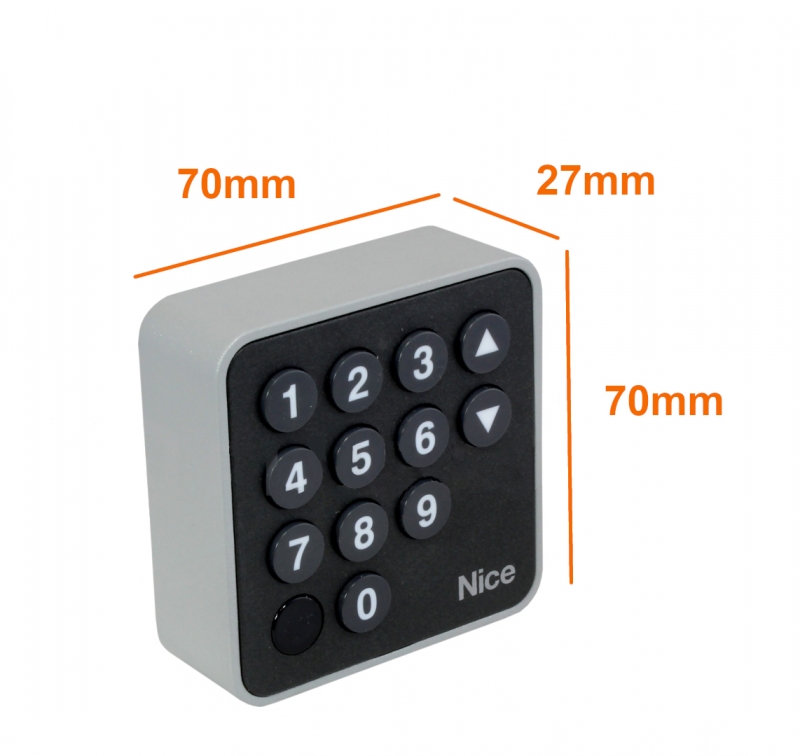
| Dimensions: | 70×27×70 mm (W×D×H) |
| Weight: | 95 g |
Manuals and documents for download
How can I order this item?
Choose the option that suits you:
- order online: use the buy button to add the goods to your shopping cart (you will find the buy button here in the product variants table).
- order by email: place your order at [email protected]