Garage door operator kit for up to 9.3/10.5/11.8 m2 NICE Spinbus SN6021 replaced by SN6023
| Product availability: | replaced | This product is no longer manufactured, but fortunately it has been replaced by a newer model. |
|---|
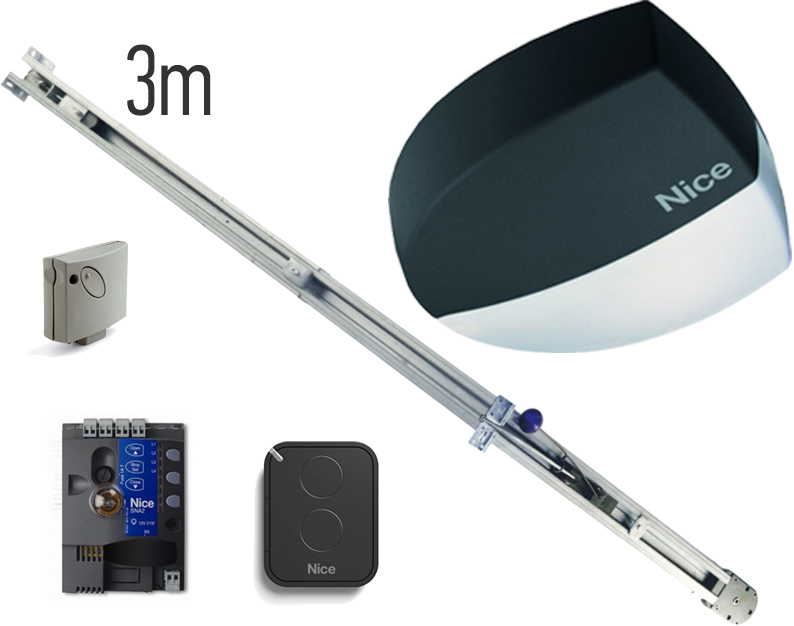
Description of Garage door operator kit for up to 9.3/10.5/11.8 m2 NICE Spinbus SN6021 replaced by SN6023
Available replacement!
Nice Spinbus 21 has been replaced by the newer NICE Spinbus 23 model - NICE Spinbus 23 garage door operator kit.
NICE Spinbus SN6021 operator kit is designed for garage doors:
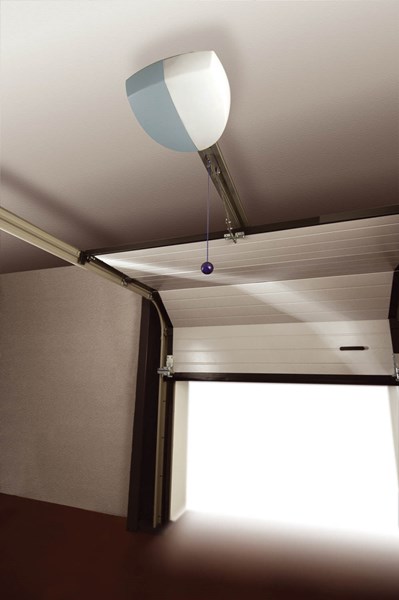
- sectional garage doors up to a height of 2.4m and an area of 10.5m2,
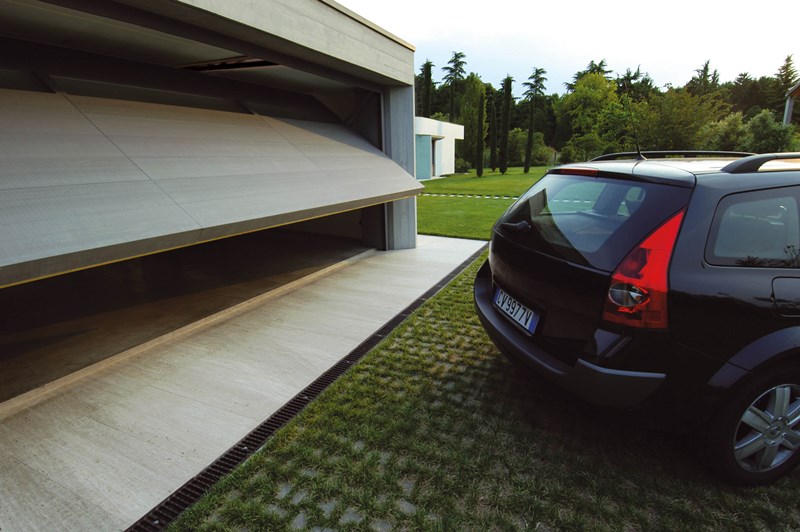
- overhanging up-and-over garage doors up to a height of 2.8m and an area of 11.8m2,
- non-protruding up-and-over garage doors up to a height of 2.2m and an area of 9.3m2.
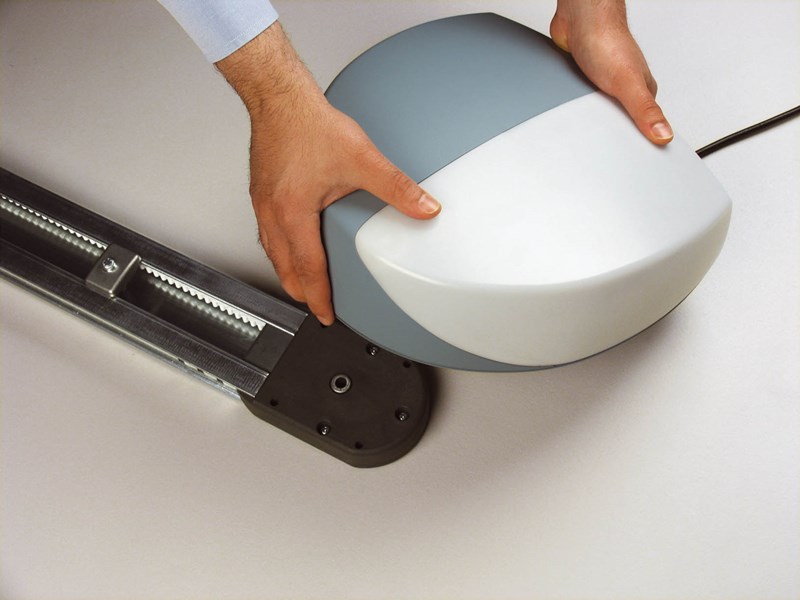
It has a mechanical stop switch. The operator is non-reversible. Detailed technical specifications ». Download the manual ».
Note: If you need to automate a garage door up to 3.5m high, you need to purchase the NICE SNA31 guide rail extension.
| The kit includes: | NICE-SN6021-KIT | |||
|---|---|---|---|---|
 |
1 × | NICE Spinbus SN6021 operator | NICE-SN6021 | |
| NICE Spinbus SN6021 electromechanical operator for sectional garage doors with an area of up to 10.5m2, or overhanging up-and-over garage doors with an area of up to 11.8m2, or non-protruding up-and-over garage doors with an area of up to 9.3m2. |
Details  |
|||
 |
1 × | NICE SNA2 operator control unit | NICE-SNA2 | |
|
Control unit. |
Details |
|||
 |
1 × | NICE Era Flor FLO2RE remote control | NICE-FLO2RE | |
|
Two-button remote control for operating an automatic gate remotely. Use it to operate two devices, or to send two different commands to one device. |
Details |
|||
 |
1 × | NICE SMXI receiver | NICE-SMXI | |
|
Receiver for radio signals from remote controls. |
Details |
|||
 |
1 × | 3m pre-assembled guide rail NICE SNA30 | NICE-SNA30 | |
|
Pre-assembled belt guide rail for moving the trolley that pulls the garage door. For door heights of 2.4m for sectional garage doors, 2.8m for overhanging up-and-over garage doors, or 2.2m for non-protruding up-and-over garage doors. |
Details |
|||
 |
1 × | NICE Spinbus SN6021 installation manual | ||
|
Installation manual for successful setup, with wiring diagrams and instructions for programming and pairing remote controls. |
Download |
|||
| 1 × | Installation accessories | |||
|
Screws for attaching the operator to the rail, NICE SPA7 mounting brackets, release cord, etc. |
||||
(Is this operator right for me?)
Compare with other operators:
| « Lower-powered kit | Higher-powered kit » |
|---|---|
|
No.
|
NICE Spinbus SN6031 operator kit
|
Drive features NICE Spinbus SN6021
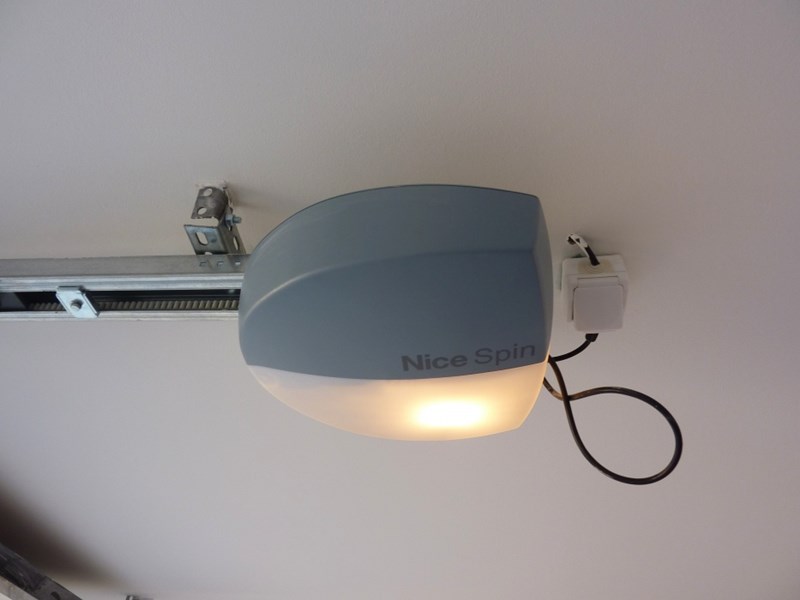
The drive is compact, safe and practical, ideal for both residential and commercial use. Durable plastic housing with built-in lighting.
The drive is suitable for automating garage doors with a door leaf area of up to 10.5 m2 for a sectional garage door, 11.8 m2 for a protruding up-and-over garage door, or 9.3 m2 for a non-protruding up-and-over garage door. Types of garage doors. These values apply under the conditions specified by the manufacturer, such as weather conditions, temperature differences, door rigidity and, above all, smooth door movement. These conditions are not always achievable or controllable, so we recommend using the NICE Spinbus SN6021 drive with garage doors at no more than 80% of these values. See the Choosing a drive chapter for more information.
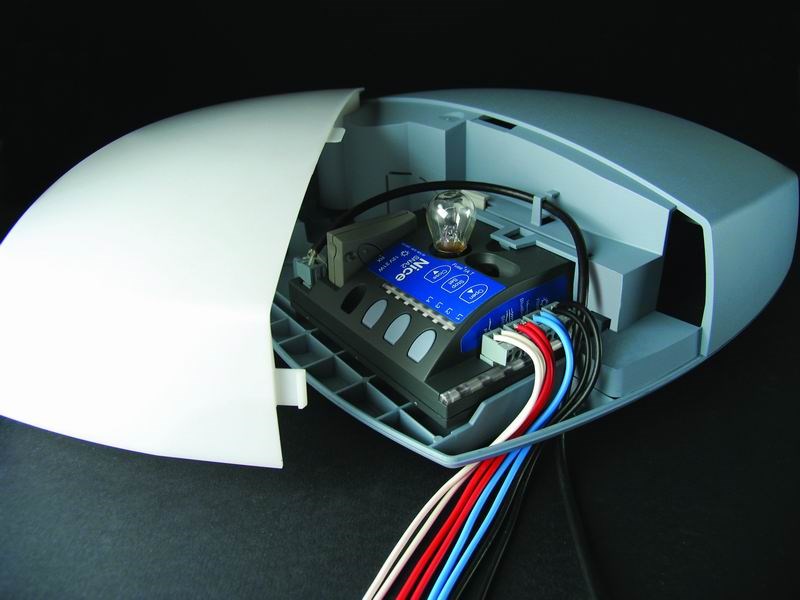
Very user- friendly BlueBUS allows you to power and control up to 6 pairs of photocells using a two-core cable. The drive also includes a thermal fuse.
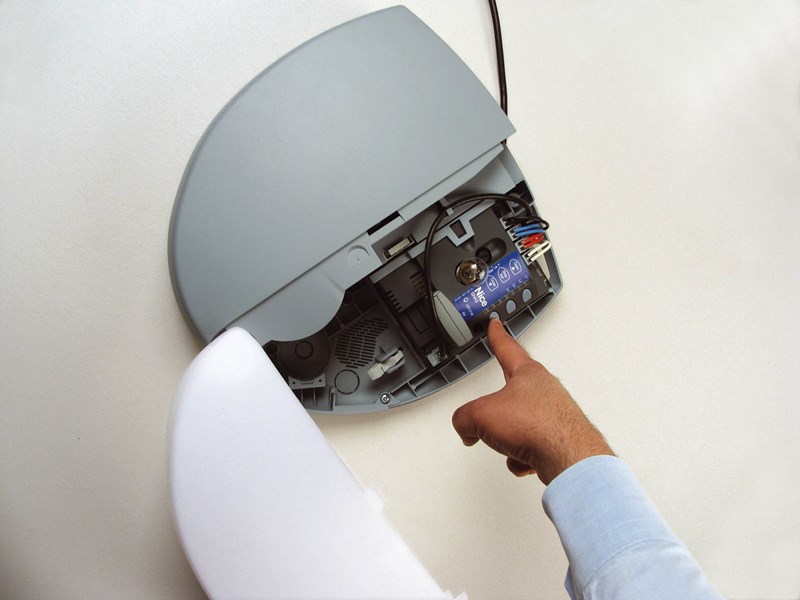
Adjustable speed,, force and pause time for automatic drive closing and more; see Programming.
Diagnostics using a warning light.
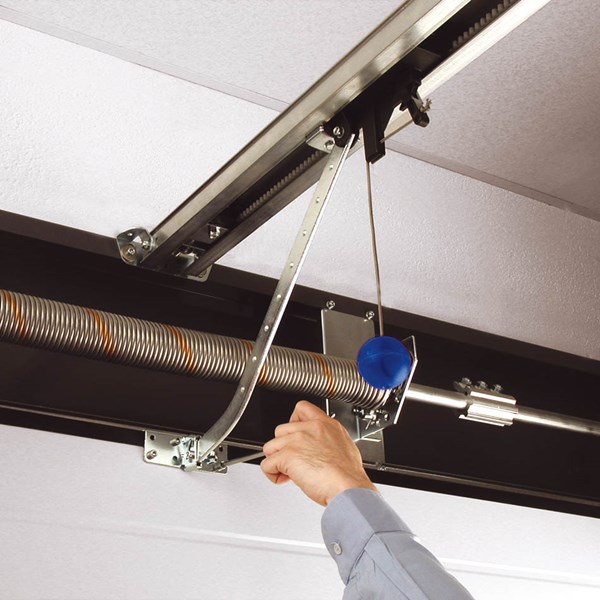
In the event of a power failure, the drive can be released and the door operated manually. You can also connect a NICE PS124 backup battery, which allows the door to complete several operating cycles in the event of a power failure.
The drive control unit has a programmable input, to which you can connect a warning light, open-door indicator, electromechanical lock or electromagnetic lock.
The NICE Spinbus SN6021 is an electromechanical drive suited to the climatic conditions in Slovakia and meets all European safety standards.
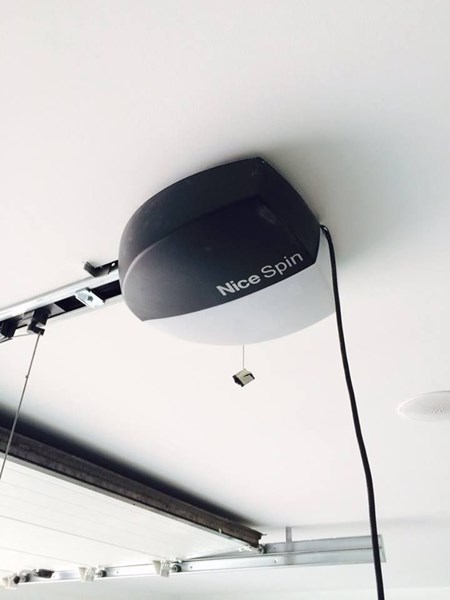
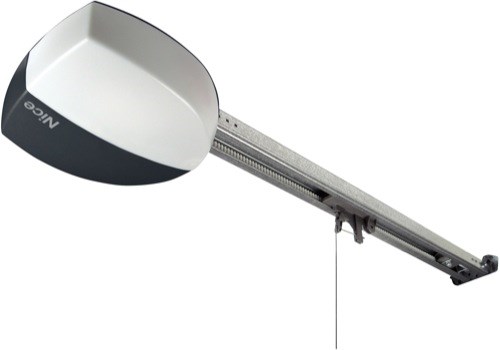
NICE Spinbus SN6021 drive photo gallery
| Installed drive on the ceiling | Drive with guide rail | Protruding up-and-over garage door |
|---|---|---|
 |
 |
 |
| Drive lighting | Drive with a sectional garage door | Attaching the drive to the rail |
 |
 |
 |
| Installing the arm on the garage door leaf | Programming the drive | Drive wiring |
 |
 |
 |
Installation and programming
Accessories compatible with the NICE Spinbus SN6021 drive
We also recommend purchasing compatible optional accessories for the drive, or choosing one of the pre-assembled at a reduced price:
| What | Why | Type | In the set? |
|---|---|---|---|
| Warning light | The warning light signals gate movement by flashing—ideal for driveways with limited visibility. It also has a built-in antenna for greater remote-control range. | No. | |
| Photocells | When closing, they detect an obstacle and stop the gate—preventing it from hitting cars or people. | - MoonBUS (MOFB) | No. |
| Remote control |
For operating the gate remotely. |
- FloR (Flo2R-s, Flo4R-s) |
Yes, Flo2RE. |
| Receiver | Required for remote operation of the gate. | - OXI - SMXI |
Yes, SMXI. |
| Antenna | For greater remote-control range. | - built into the warning light LUCYB, MLBT - ABFKIT antenna only, or ABF |
No. |
| Keypad | If you forget your remote control, or if many vehicles or people visit and you don't want to give everyone a remote or open the gate manually each time. | - MOTXR | No. |
NICE Spinbus SN6021 drive manual
Download the NICE Spinbus SN6021 drive manual here:
NICE Spinbus SN6021 drive manual

Technical specifications
The drive's technical specifications are available on a separate page NICE Spinbus SN6021 drive.
How can I order this item?
Choose the option that suits you:
- order online: use the buy button to add the goods to your shopping cart (you will find the buy button here in the product variants table).
- order by email: place your order at [email protected]






