NICE MoonKey MOSE – key switch with standard cylinder, surface-mounted
| Product availability: | replaced | This product is no longer manufactured, but fortunately it has been replaced by a newer model. |
|---|


Description of NICE MoonKey MOSE – key switch with standard cylinder, surface-mounted
Key switch NICE MOSE has been discontinued.
Its fully compatible successor is NICE Era Key Switch EKS.
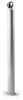
NICE MOSE is a mechanical key switch in the NICE MoonKey, which lets you control operators from brands including NICE. The key switch is two-position, meaning the key can be turned either to the right or to the left. You can assign a different command to each position. The switch is spring-return, meaning that a spring returns it to its starting position. An aluminium post can be purchased separately for the switch: NICE MOCS.
Technical specifications of the NICE MOSE key switch
| Supplier code | MOSE |
|---|---|
| Lock type | two-position spring-return lock |
| Cylinder type | standard cylinder |
| Mounting type |
surface-mounted, ideally used with a mounting plate MOA2 |
| Contacts |
two changeover microswitches; each can either close (normally open) or open (normally closed) |
| Contact rating | Maximum 48 V, 2 A |
| Protection rating | IP43 |
| Illumination | No, but it is pre-wired for 12/24 V LED illumination MOSA1 |
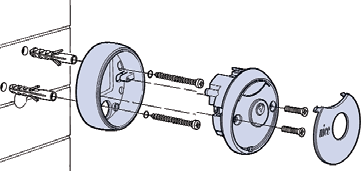
Surface mounting the NICE MoonKey MOSE key switch
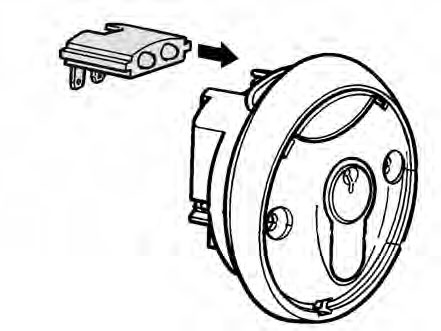
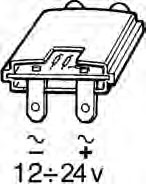
Wiring the NICE MoonKey MOSA1 auxiliary light
Note: The wiring is the same for all key switches; the illustrations show NICE MoonKey MOSEU. The MOSA1 auxiliary LED light is not included; it must be ordered separately.
|
|
|
|
|
1. Connect MOSA1 to the key switch |
2. Connect the power supply (the output is usually available at the control unit terminal block; example output: Robus, Road). |
3. Done—the key switch is illuminated. Here is the MOSEU with mounting plate MOA2 and LED illumination MOSA1. |

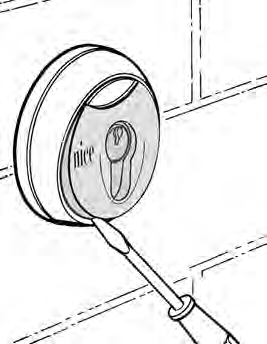
Opening the NICE MoonKey MOSE key switch
| 1. Pry off the cover of the operator key switch | 2. Unscrew the operator key switch screws | 3. Turn the key in the operator key switch and pull off the front section |
 |
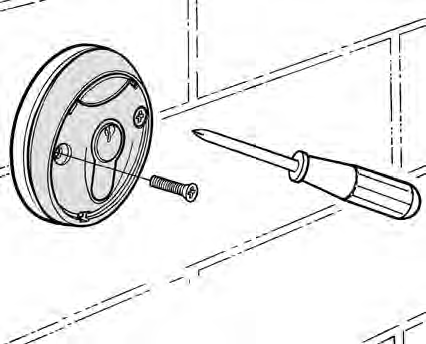 |
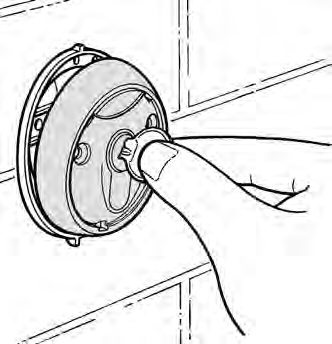 |
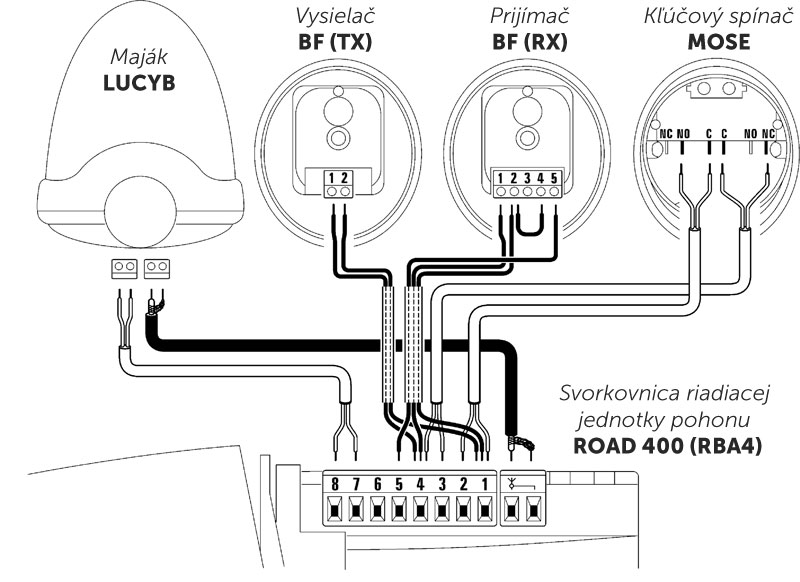
Wiring the NICE MOSE key switch
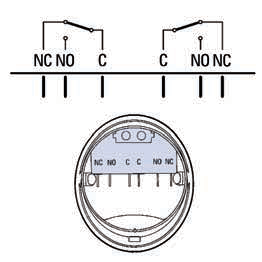
NICE MoonKey MOSE key switch, internal view
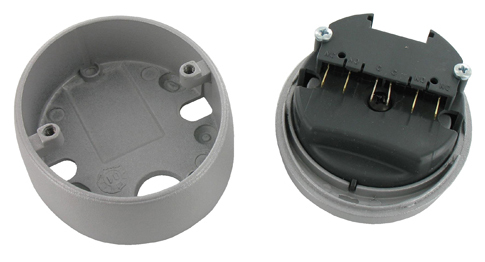
Example wiring diagram for the NICE MoonKey MOSE key switch with a NICE Robus operator (RB400, RB600, RB1000) and Run operator (RUN1800P)
Turning the key triggers:
Left: STOP
Right: Step-by-step operation
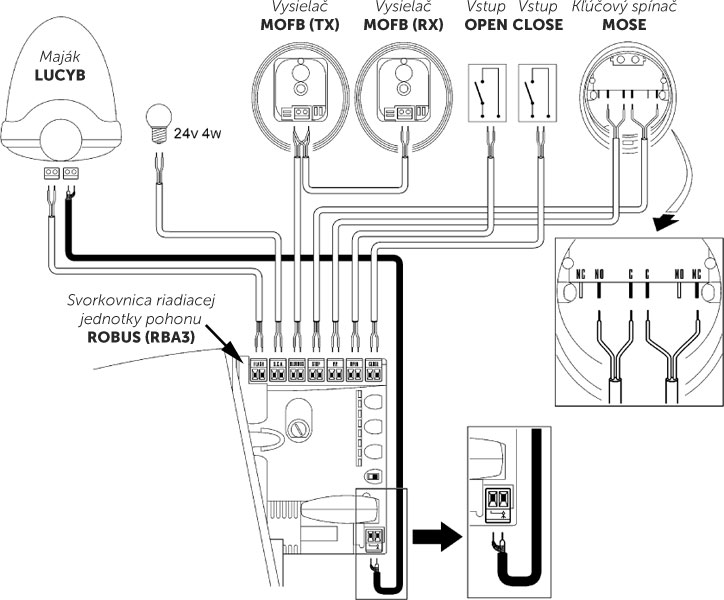
Example wiring diagram for the NICE MoonKey MOSE key switch with a NICE Road operator (RD400)
Turning the key triggers:
Left: STOP
Right: Step-by-step operation
Alternative key switches
| Mounting/Cylinder | Standard cylinder | Euro-profile cylinder | Without cylinder |
|---|---|---|---|
| Surface mounting |
MOSE (you are here) |
|
|
| Recessed mounting |
|
|
does not exist |
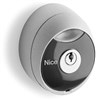

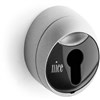


Accessories for the NICE MoonKey MOSE key switch
| MOSA1 | MOA2 | MOCA1 | MOCF2 | MOCS |
|---|---|---|---|---|
 |
 |
 |
 |
 |
|
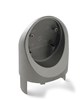
LED lighting for key switch. |
Mounting plate for key switch. |
Extension for MOCF2 post. |
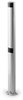
Post with two housings for photocells. The MOCA1 key switch holder can be fitted at the top. |
Post for key switch. |
How can I order this item?
Choose the option that suits you:
- order online: use the buy button to add the goods to your shopping cart (you will find the buy button here in the product variants table).
- order by email: place your order at [email protected]






