Technical support for TFE GSM modules
In our range you'll find TFE brand GSM modules, in various versions, for gate control:
For SECTRON brand GSM modules, visit the dedicated technical support page.
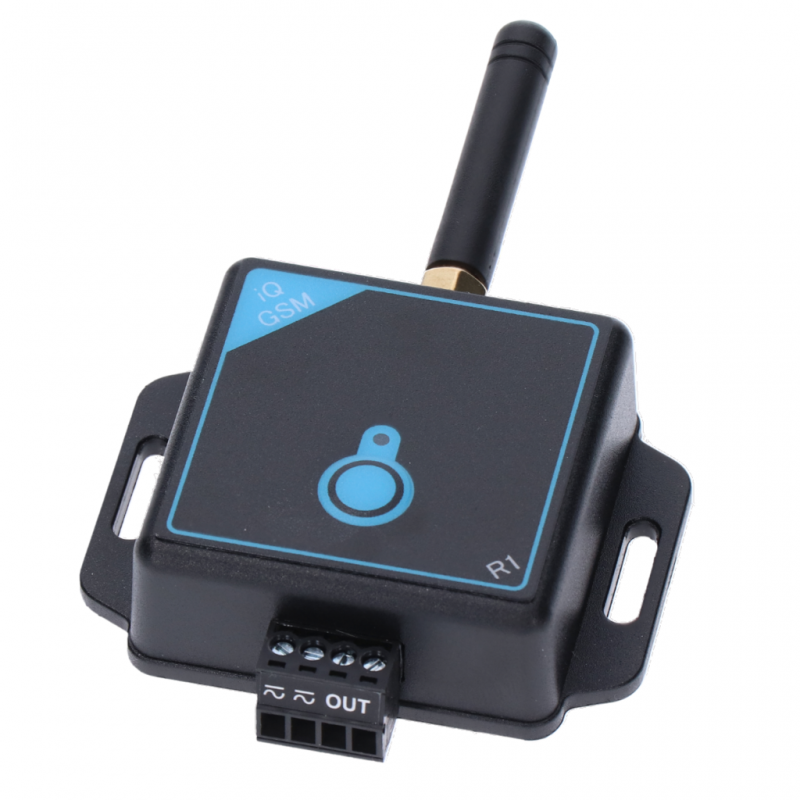
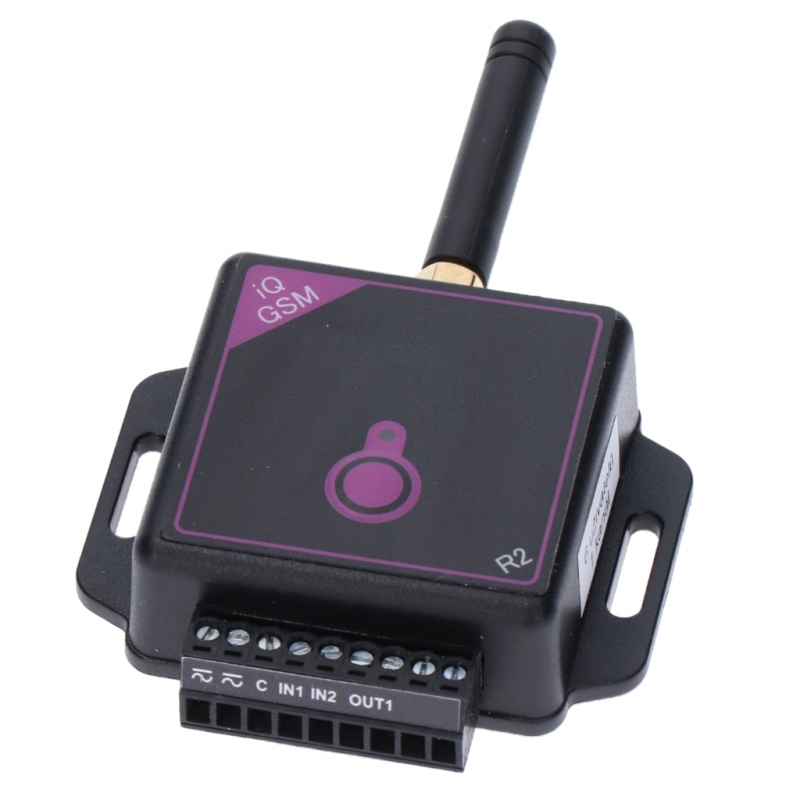
| iQGSM-R1 | iQGSM-R2 | iQGSM-R4 |
|---|---|---|
 |
 |
 |
|
|
|
Frequently asked questions and answers:
After inserting a SIM card into the device, SMS messages don't work (the device doesn't reply to the "1234 Info" info SMS).
-You probably haven't activated the SIM card (SIM card activation depends on your operator).
Is there a manual for connecting your GSM module?
-Yes, at this link you'll find a general description of how to connect the GSM module iQGSM to a gate operator or garage door.
I've been using your GSM module without any problems for a long time, but it suddenly stopped working. I can't call it (it's unavailable), and the red LED is flashing. What could be the cause?
-Check the SIM card. If it's a prepaid SIM, you probably have no credit, or the SIM card was disconnected because it expired (the credit wasn't topped up). To check, we recommend putting the SIM card in a regular phone and confirming that you can call it. To check, we recommend putting the SIM card in a regular phone and confirming that you can call it.
I've connected your GSM module, but the green LED keeps flashing and it can't connect to the network. What could be the cause?
-A likely cause is an inadequate power supply—in other words, a "soft" power supply that can't provide the pulse current needed for GSM network registration (transmission).
This peak current draw lasts only a very short time, just a few milliseconds, but the power supply must be rated for it. Otherwise, the supply voltage drops, the device resets, and it repeatedly tries to register on the network.
If the GSM module is powered directly from the gate operator, check that the terminals supplying power to the GSM module are intended for powering external devices. It's not enough to use a multimeter to find "some" terminals with "some" voltage. They must be intended for powering external devices and have sufficient capacity.
If you power the GSM module from a separate supply, for example a 12V adapter, make sure it's suitable for powering GSM devices and can handle current surges. Some power supplies, even those rated at 1A or more, can't handle peak loads—they "drop out" and disconnect.
How do I know whether the GSM module is compatible with my gate operator?
-The iQGSM-R1 GSM module was designed as a universal device that can be connected to all common gate operators. So far, we haven't come across a gate operator that the GSM module couldn't be connected to. You can find the manual for connecting the GSM module at this link.
How is control kept secure if the GSM module is controlled just by calling and hanging up?
-iQGSM only executes a command if it recognizes the caller's phone number. Unknown numbers are ignored. The number authorized to control iQGSM must first be stored in the device's memory. Numbers are easy to store in memory: just press a button or do it remotely using SMS commands. You can see how this works in the manufacturer's video.
What are the running costs? How much will it cost to open the gate if I use your GSM module?
-Control itself is free because the module only rings the number; the call isn't answered. The only running costs are the SIM card's maintenance fees. A monthly plan is best, but you can also use a standard prepaid SIM card. With a standard prepaid SIM card, some operators require you to top up at least once every 12 months (depending on the operator) to keep the SIM card active.
Can I continue using my existing remote controls with the GSM module?
-Our GSM module is designed not to interfere with or restrict the functions of existing devices in any way. So everything connected to your device—remote controls, external buttons, and so on—will remain fully functional.
I'm installing a driveway gate operator and would like to control the gate with my mobile phone. What do I need to do?
-Buy an iQGSM device and give it to the installation company that will be installing your gate. They'll simply connect the GSM module to the gate operator's control unit. You can watch the manufacturer's video, which clearly demonstrates the process. The video shows a specific gate operator, but the procedure is similar for other operators.
I have a Robus electric sliding gate operator. Can your GSM module be connected to it?
-Our GSM module can probably be connected to almost any existing gate operator. Whether during installation or after the gate operator has already been installed. For the type mentioned above, connect the iQGSM power supply to the gate operator's terminal block, to the STOP terminals (right-hand input) and the SBS terminal (left-hand input). Then connect the GSM module's output to the SBS terminals. Polarity doesn't matter—the iQGSM power input and output are both universal. This installation takes just a few minutes. If any problems or questions come up, just call us—we're here to help.
What type of SIM card and plan should I use in the device?
-Any standard-size SIM card can be used. Any plan will work; iQGSM only needs to receive calls and SMS messages. It's best to choose the cheapest monthly plan (so you don't have to worry about your credit expiring), but you can also choose a prepaid SIM card (you'll need to keep track of your credit validity).
I have an older Nokia and would like to control the gate easily, without having to look up the number in my contacts every time. How can I do that?
-It's very simple. Every phone, even the oldest one, has a speed-dial feature. For example, just save the gate's phone number to button 2. Then press it, and the phone will dial the number.
I have an iPhone and would like to control the GSM module using an app. Which one do you recommend?
-It's similar to the previous question. iPhone, like other smartphones, has speed-dial options. On iPhone, these are called Favorites. Or you can download any speed-dial app. For iPhone, for example, Speed Dial or iSmart Dialer.
Does iQGSM require professional installation?
Our iQGSM devices are very easy to install; you just need to connect 4 wires to the gate operator's control unit. So anyone with even a basic understanding of electronics can do it. However, it depends on the situation and the type of connection. There are many possibilities. If it needs to be connected to another device or system, or if a relay and 230V power circuit need to be wired, we recommend using qualified professionals, primarily for safety reasons.






