CAME Top TOP-432EV - two-channel remote control for CAME drives
| Product availability: | Unavailable | We’ll be happy to help you choose a replacement. Feel free to contact us. |
|---|
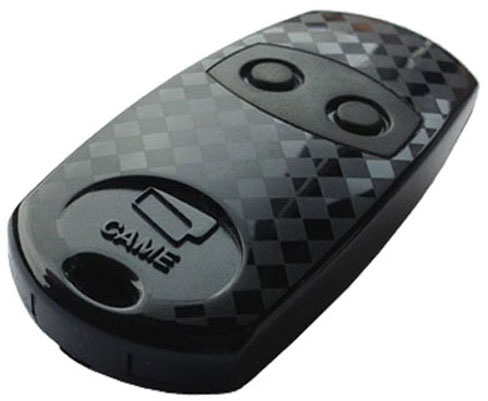

Description of CAME Top TOP-432EV - two-channel remote control for CAME drives
Remote control CAME Top TOP-432EV has been discontinued.
Its fully compatible successor is CAME Top TOP-432EE
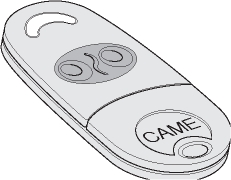
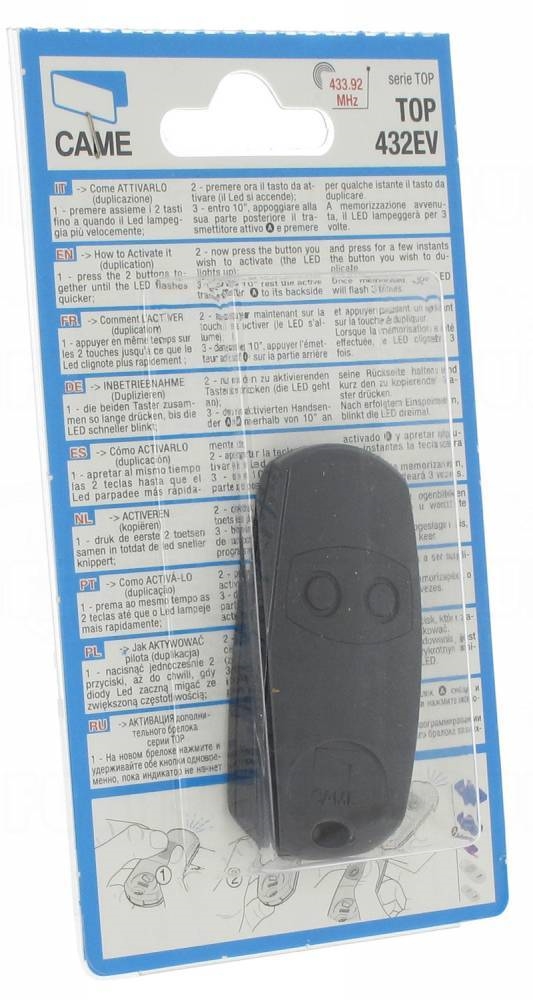
Two-channel (i.e. two-button) remote control from the Top family, compatible with all CAME drives with a fixed code and a red LED indicator for the transmitted signal. With this remote control, you can operate two CAME devices, or use the CAME RE432 to operate a device from another brand. Pairing instructions.
What’s included CAME Top TOP-432EV
- remote control with red LED
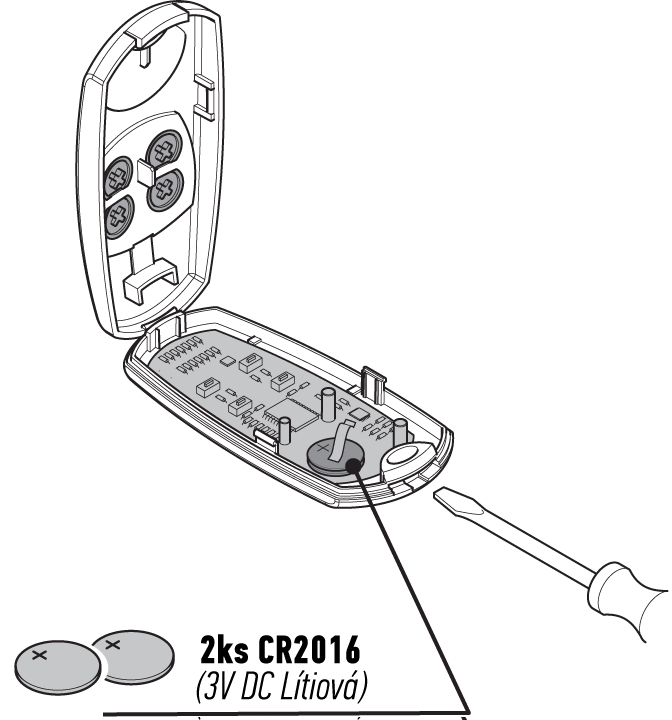
- 2 × CR2016 lithium batteries (replacement)
- CAME Top TOP remote control manual-432EV
Remote control specifications CAME Top TOP-432EV
| Frequency: | 433.92 MHz |
|---|---|
| Number of channels: | 2 buttons |
| Power supply: | 3V DC; 2 × CR2016 lithium batteries |
| Remote control range: |
approx. 50–150 m outdoors |
| Signal coding: | fixed code |
| Current consumption: | 12mA |
| Operating temperature: | -20°C to 55°C |
| Dimensions: | 32×68×13 mm (W×D×H) |
| Weight: | 16g |
How to pair the remote control CAME Top TOP-432EV with a CAME drive
Refer to the manual for the receiver you want to pair the remote control with. To pair the remote control with an external CAME RE432 receiver, see the instructions for adding the remote control to and deleting it from the receiver's memory.
If you already have a paired remote control, follow these steps to duplicate it:
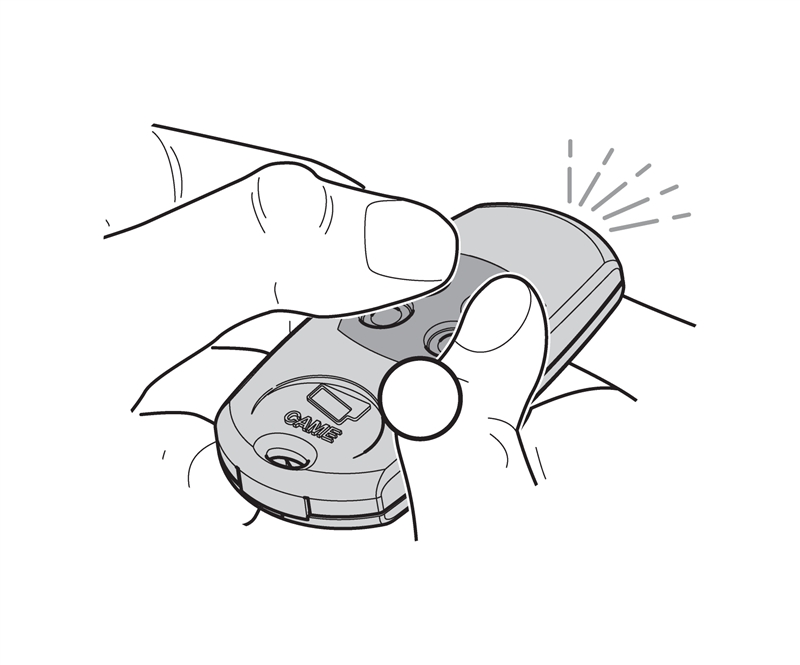
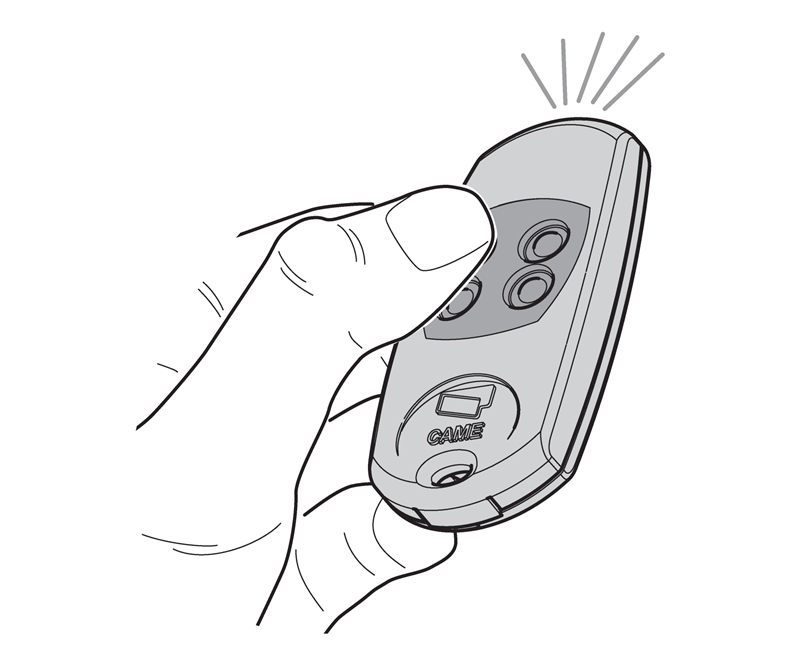
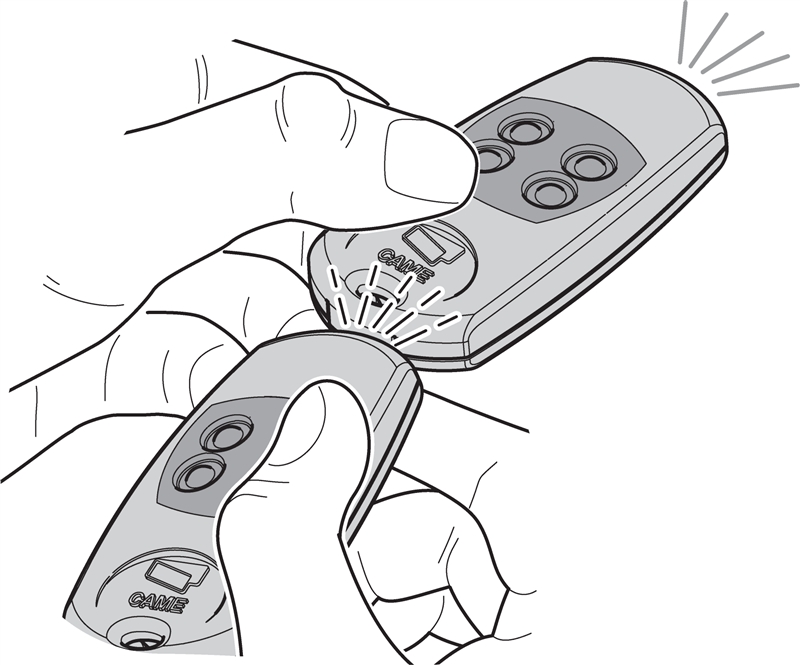
| 1. On the NEW remote control, press and hold the first two buttons at the same time until the LED starts flashing faster, then release them. | 2. Next, press once (without holding) the button on the NEW remote control that you want to copy—the LED will light up and stay lit. | 3. Within 10 seconds, hold the OLD remote control against the back of the new one and press the button you want to copy. If pairing is successful, the LED on the NEW remote control will flash three times. |
 |
 |
 |
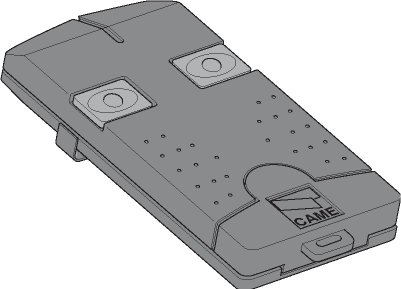
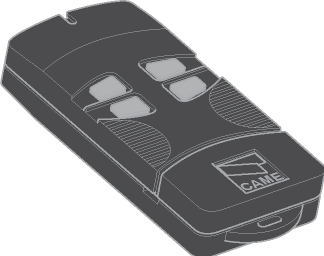
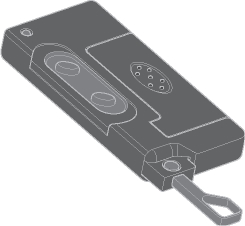
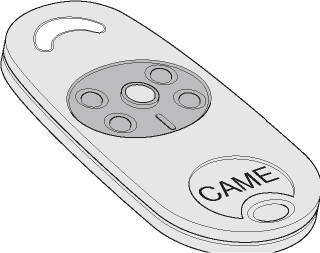
This duplication procedure can be used with the following remote controls from the CAME Top:
| TOP-432A | TOP-434M | TOP-432S | TOP-434NA | TOP-432NA |
|---|---|---|---|---|
 |
 |
 |
 |
 |
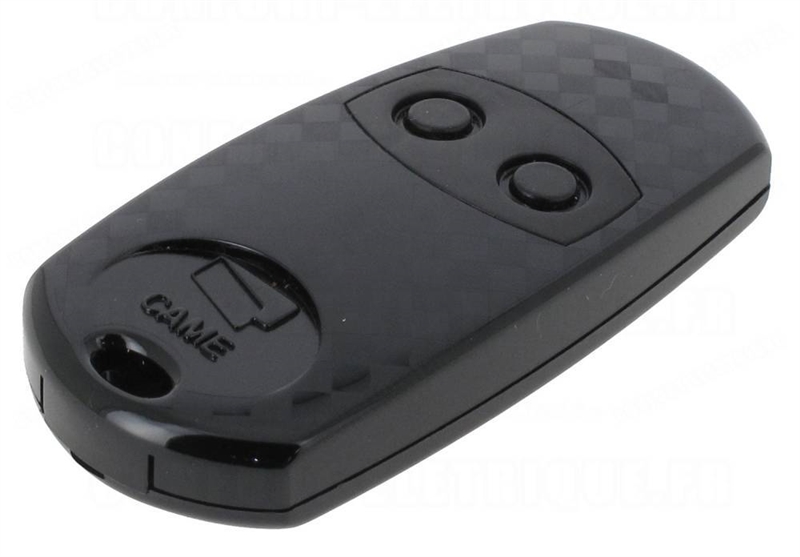
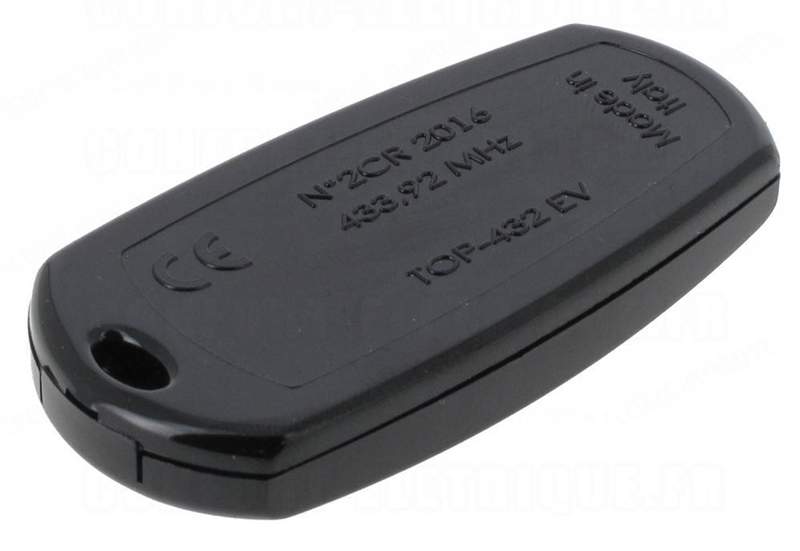
Remote control photo gallery CAME Top TOP-432EV
|
Top view |
Bottom view |
|
Inside view |
Packaging |
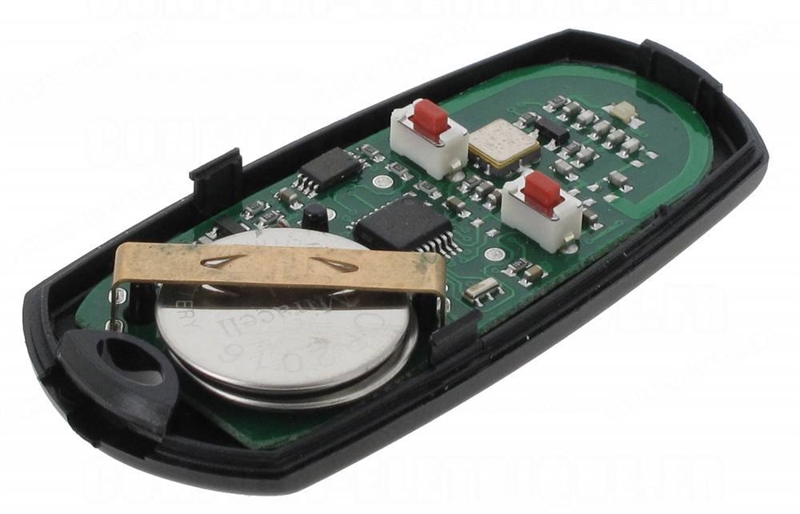
Replacing the remote control battery CAME Top TOP-432EV
How can I order this item?
Choose the option that suits you:
- order online: use the buy button to add the goods to your shopping cart (you will find the buy button here in the product variants table).
- order by email: place your order at [email protected]






