Connecting an external receiver from another brand to a NICE Robus or Run gate opener
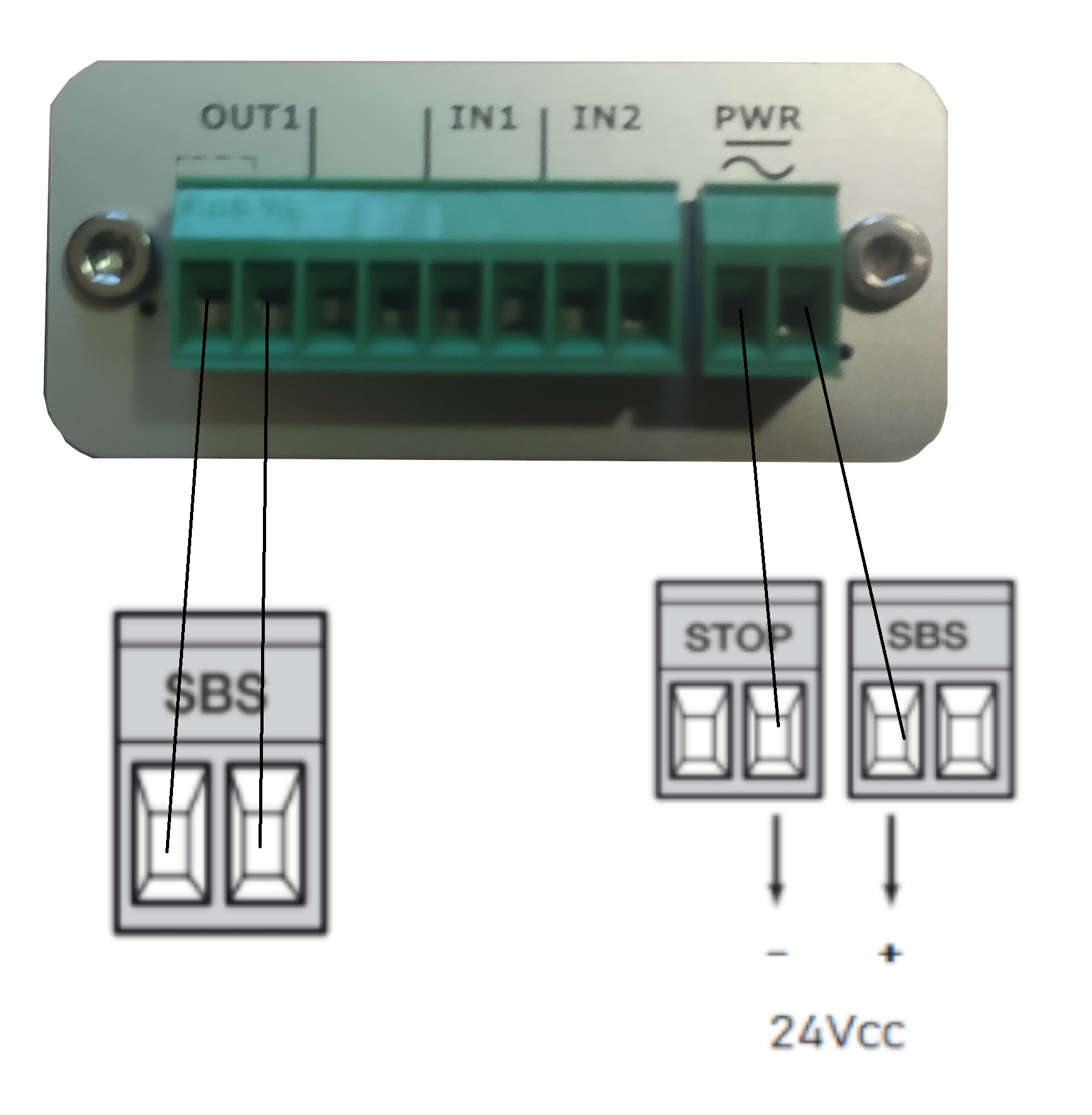
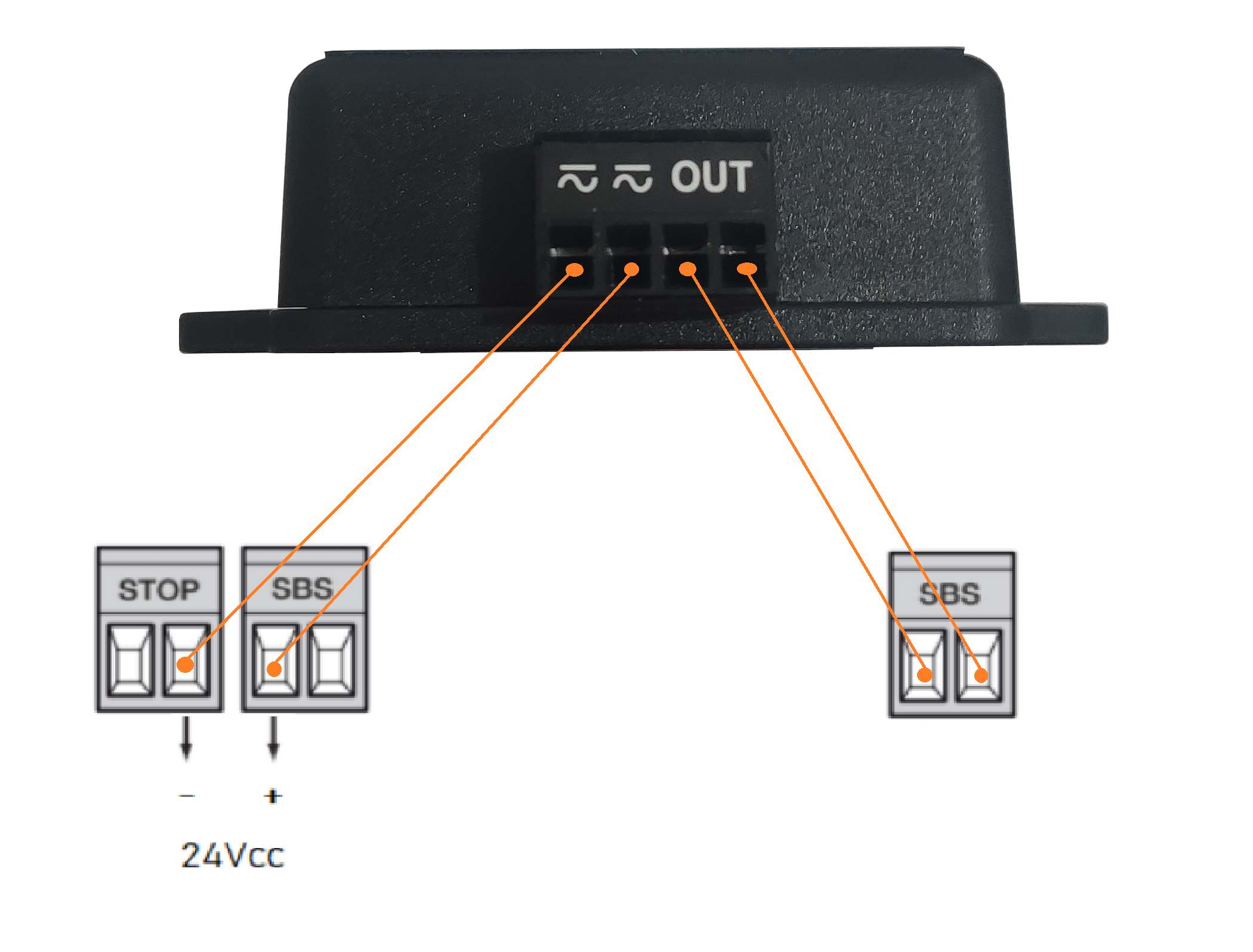
An external receiver from another brand generally requires a power supply and a relay output. Robus and Run drives provide 24 V DC, and the relay output connects to the same input as a wired push button.
Step 1. Powering the external receiver
If you need to connect additional devices to the drive that require an external power supply (e.g. external receiver, indicator lighting, key switch, magnetic cards, etc.), connect the device as shown in the diagram. The supplied voltage is 24 V DC, -30% to +50%, with a maximum current of 100 mA.
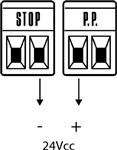
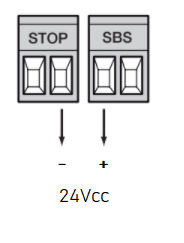
(NICE RBA3) (NICE RBA3R10)
Step 2. Relay input
Connect the relay to the SBS input (marked P.P. on older control units). Alternatively, you can connect the relay to the OPEN input and use the automatic closing function. In this case, the external receiver will only open the gate, and automatic closing will close it after a timed pause.
Next, perform the “Detection of connected drive devices” procedure on the Robus as follows:
Step 3. Detection of connected drive devices
After connecting, disconnecting, or changing the wiring of any additional devices on the BlueBUS inputs and STOP the additional-device detection phase.
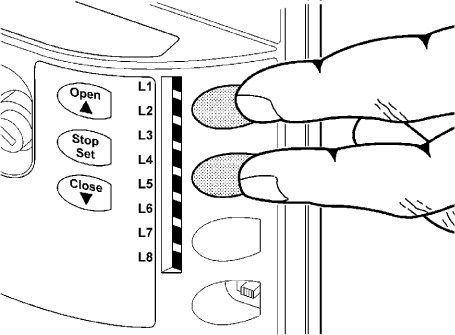
- Press the “Open” and “Stop/Set” buttons and hold them down
- As soon as they start flashing rapidly L1 and L2, release the buttons
- Wait a few seconds for the control unit to complete the device detection process.
- If everything went correctly, the STOP LED should be lit and L1 and L2 should go out. Alternatively, L3 and L4may start flashing if you have not yet completed the gate leaf length detection phase.
Wiring example for the GSM module GSM-05 to the NICE RBA3R10 control unit (NICE ROBUS drive):
Wiring example for the GSM module GSM LITE 3+ to the NICE RBA3R10 control unit (NICE ROBUS drive):