All gate or drive control options
Shop by:
More information:
Automated gates and barriers can be operated in several ways, which are compatible and can be combined as needed. These options are compatible and can be combined as needed.
Remote controls
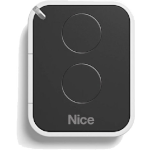
Remote controls (transmitters) are the most common way to operate a gate. Remote controls can differ not only by manufacturer but also by encoding type and frequency. If you are unsure whether your remote controls are compatible, feel free to contact us.
What should I consider when choosing remote controls?
If you already have a remotely controlled device (e.g. a garage door) and are choosing a suitable operator for your entrance gate, you may be able to operate both using a single remote control. However, you need to choose a compatible operator made by the same manufacturer, with a receiver that uses the same frequency and a compatible encoding type. Even if the operators are from two different brands, you may still be able to control them with a single remote control. In this case, an external receiver from the same brand as the remote controls can help; it connects to the operator from the other brand. If needed, we’ll be happy to check compatibility for you.
The most popular NICE remote control models are FLO2RE, FLO2R-S, ON2E.
One remote control can operate multiple operators (provided they use the same encoding and frequency). To control multiple operators, you can use a 4-button remote control, such as the FLO4RE or a 9-button remote control, such as the ON9E.
Remote controls have a range of around 10–20 m without an antenna. An external antenna can extend the range to around 100 m, depending on local conditions. The antenna is often built into the warning light, or it can be purchased separately.
Our range also includes a remote control with LORA technology, which extends the range to 500–1,000 m. A receiver that supports LORA technology.
If you already have any NICE transmitters, you can use them with the new device too, provided they use the same encoding type. If the encoding type is different, or the transmitter is from another brand, you can use an external receiver..
When managing a larger number of remote controls, you can label and keep track of them using the OBOX.
GSM module
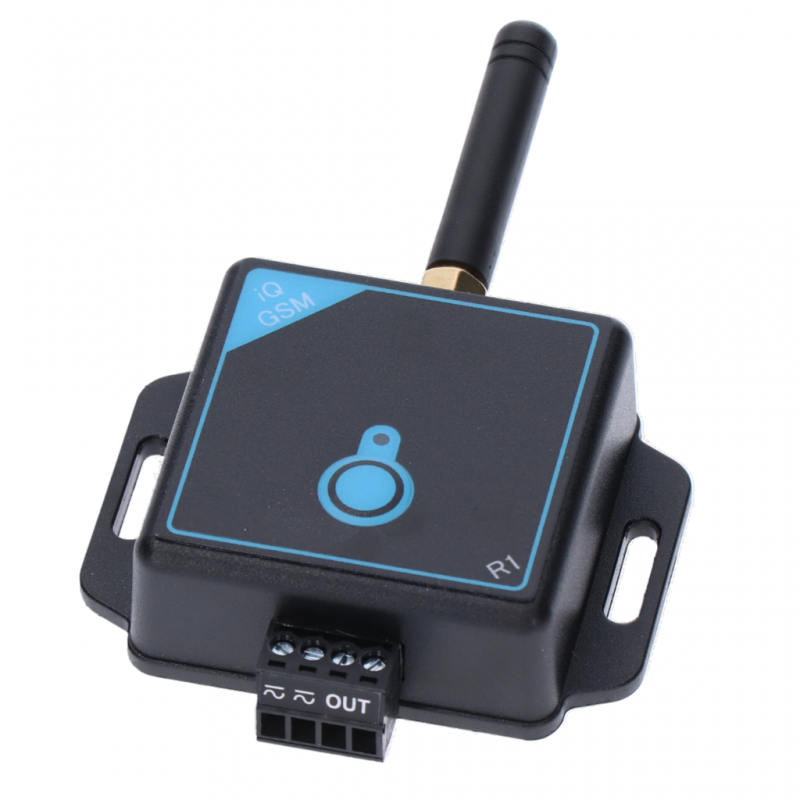
GSM module lets you operate the gate by calling the module or sending it an SMS.
Wi-Fi module
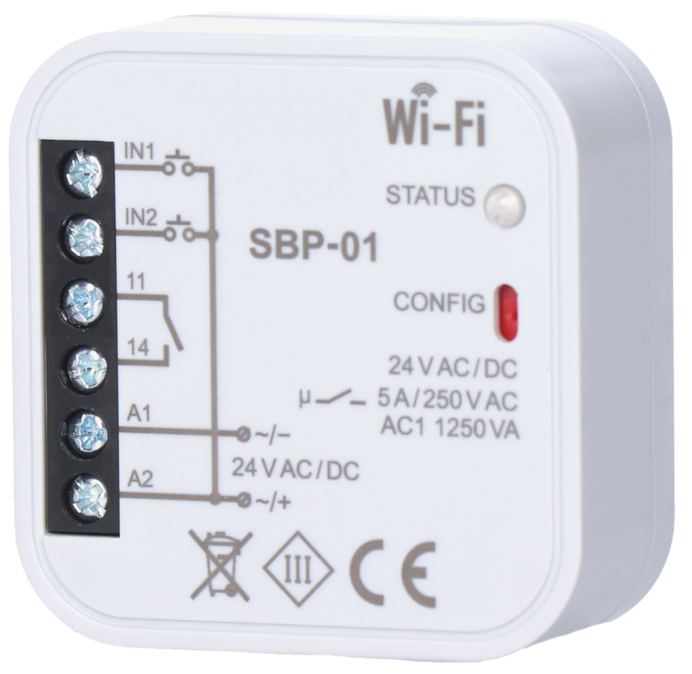
Wi-Fi module lets you conveniently operate the gate using a mobile app.
Timer
Time switch can send a signal to the device at specified times and on selected days.
Card reader
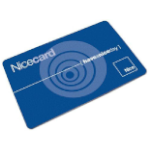
Using a card reader you can activate the gate simply by presenting a card or key fob.
Key switches
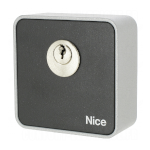
Key switches let you open a gate or barrier simply by turning a key. A two-position key switch can issue up to two commands.
Keypads
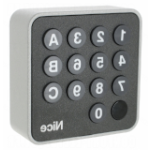
Enter the preset numeric code on the keypad to make the gate carry out the selected command.
Number plate recognition camera
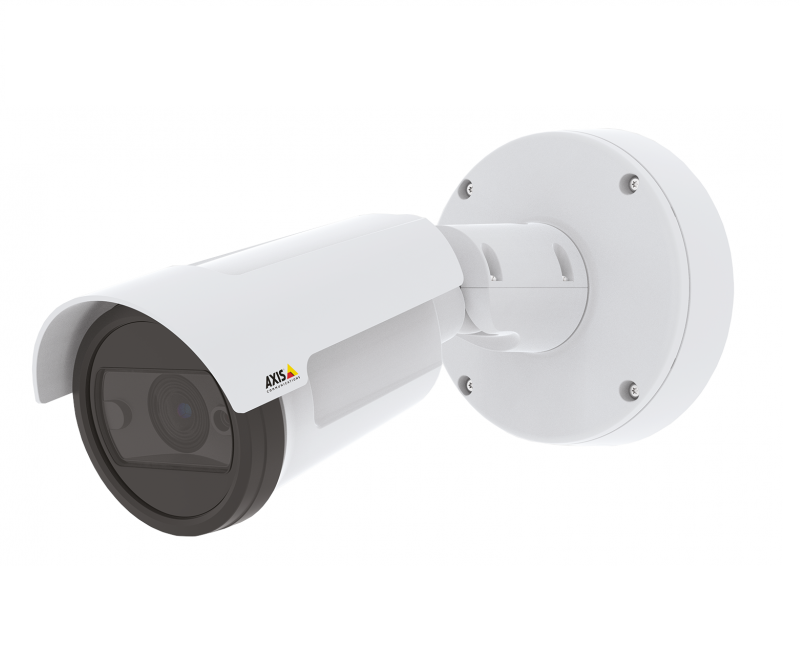
Open the gate or raise the barrier only for vehicles with an authorised registration number. The high-resolution camera compares the registration number with a database and, if there is a match, carries out the preset command.
Induction loops
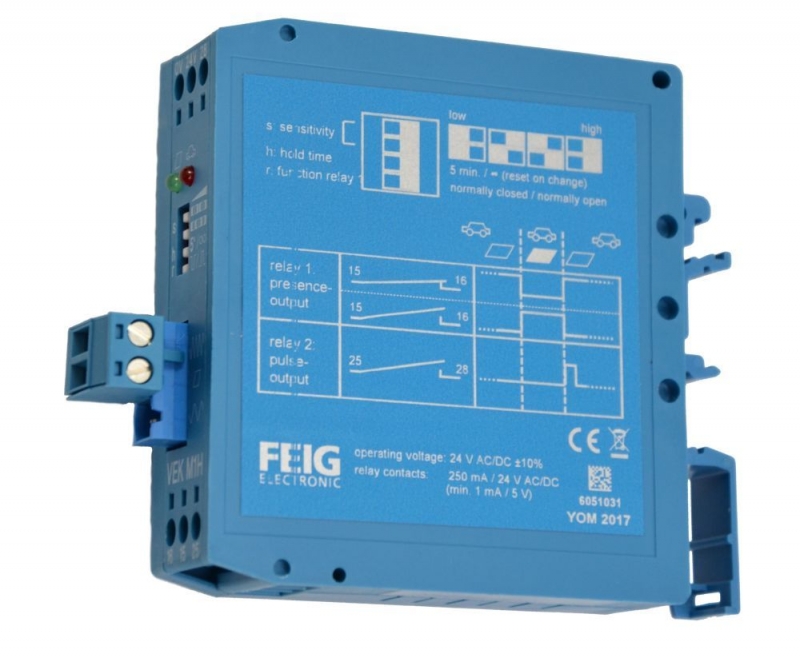
A metal detector and induction coil can be used to create a sensor installed beneath the road surface. The sensor can detect a vehicle at a specified location, and the operator responds according to the configured automation (open, close, etc.).
Wireless buttons
Buttons are available with different numbers of channels, and selected models are designed to work with other automated systems too (blinds, awnings, etc.).
If you’re not sure which control option is right for you, we recommend standard remote controls.. You can add another control device later.






