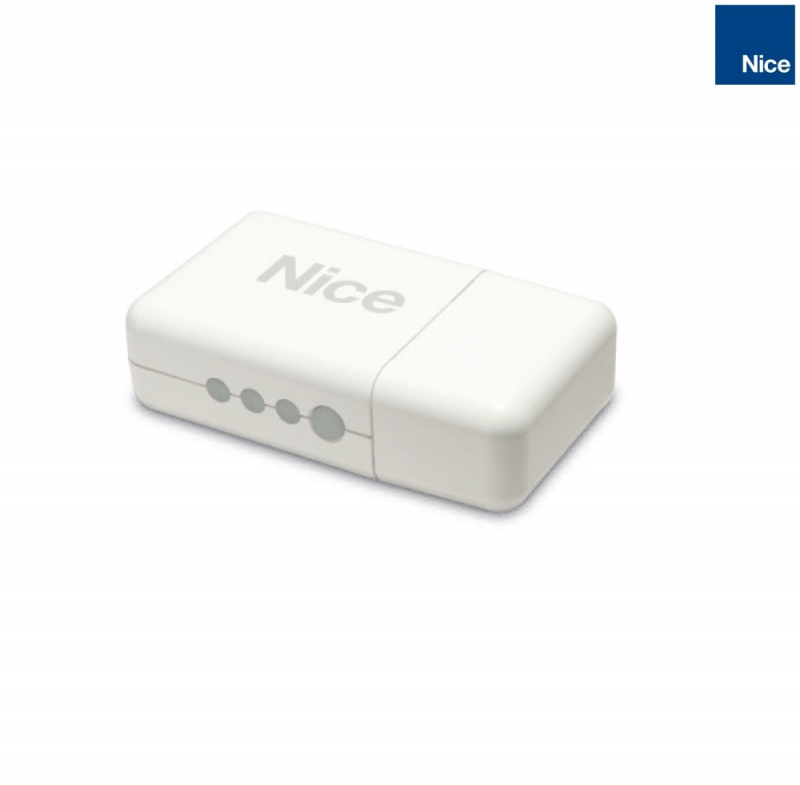
NICE CORE - Wi-Fi interface for controlling NICE receivers
| Product availability: | within 4 days | We usually dispatch orders within 4 days. |
|---|
within 4 days
€189.07 including VAT
| Weight |
|---|
| 0,25 kg |
Description of NICE CORE - Wi-Fi interface for controlling NICE receivers
A brief note to start
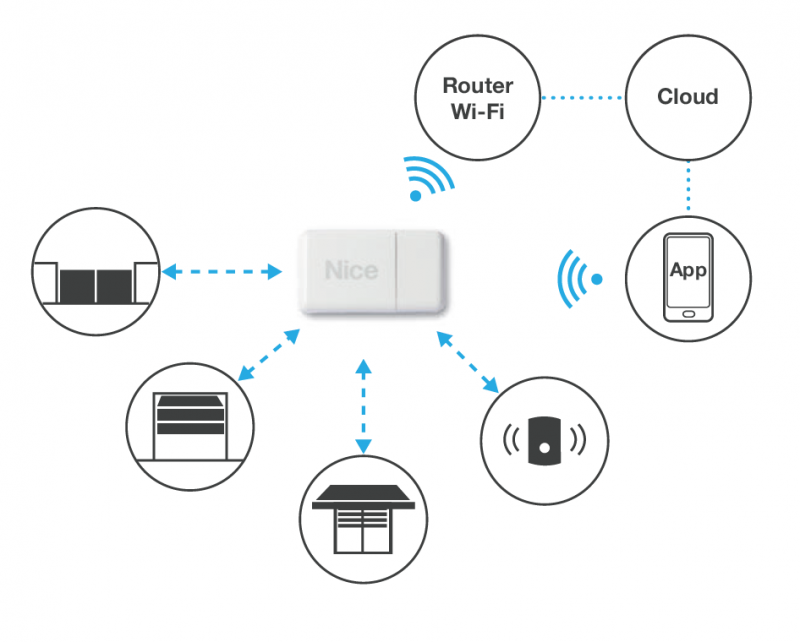
The Wi-Fi interface is a network device, which communicates from your local Wi-Fi network with your smartphone over the internet via an external Nice server. Since a network behaves like a living organism, you may experience functionality outages in certain circumstances. Like any other network device, it requires occasional maintenance. If you are not completely comfortable with technology, or don’t want to complicate your life, this device may not be quite right for you.
If you have already taken the plunge and encountered an issue, you can visit our troubleshooting page for a similar device.
NICE CORE is essentially a remote control that you operate from your phone connected to the internet using the MyNice Welcome app (ANDROID),(IOS). Place NICE CORE in your home where it has a good Wi-Fi signal and is within radio range of the operators you want to control with it. In the app, select an operator and send it a command; NICE CORE will then transmit a signal to the operator, just as if you had pressed the remote control. NICE CORE is compatible with both unidirectional and bidirectional receivers.
It is powered via a USB cable
but you can also insert two AA batteries,, preferably rechargeable NiMH batteries, so you can control the automation systems even during a power outage (provided, of course, that you have backup power supplies in the operators too). It has many other advanced features, such as
timed scenarios , specifying which signal to send to which operator and when,and it can also receive signals from a NICE flood sensor or NICE smoke detector , and perform the required actions accordingly., User manual
Complete reset
You can reset CORE and erase all settings (users, scenarios, devices and Wi-Fi).
In this case, press and hold the RESET button (6) for at least 10 seconds: All LEDs will start flashing red, and you should release the RESET button at that exact moment. CORE will restart. Factory reset Connect CORE to the power supply while holding down the RESET button.
The Radio status LED (9) will start flashing red.
Press and hold the RESET button for at least 10 seconds. The Radio status LED will stop flashing; release the button at that point. Press and hold the RESET button for at least 10 seconds. The Radio status LED will stop flashing; release the button at that point.
How can I order this item?
Choose the option that suits you:
- order online: use the buy button to add the goods to your shopping cart (you will find the buy button here in the product variants table).
- order by email: place your order at [email protected]






