8 ways to control not only the barrier
An overview of all controls for barriers and gates
A barrier or gate (or other NICE automation) can be operated in various ways. The most common method is a standard remote control, but you can also open it with a key, digital keypad, access card, a missed call from your mobile phone, or other options.
From standard remotes to smart solutions
Explore the available ways to operate a gate or barrier.
If you're buying an additional remote, we've also included Instructions for pairing remote controls.
| 8 ways to operate more than just a barrier | Details | ||
|---|---|---|---|
 |
Remote controls | Details  |
|
|
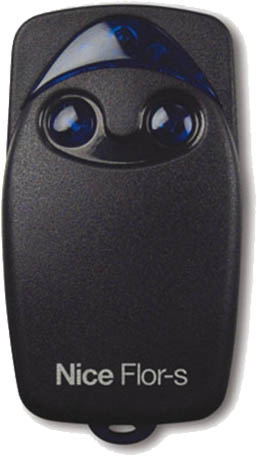
Remote controls in a range of shapes, colours, styles, with different functions and numbers of buttons. The latest remote models can indicate the gate's status or operate it from up to 1 kilometre away. The number of buttons determines how many devices (operators) you can control, or how many commands you can send to one device. When choosing a remote control, check its frequency and coding. The easiest option is to buy the same remote you already have, but we're happy to help you choose the right one. |
|||
 |
Digital keypad | Details |
|
|
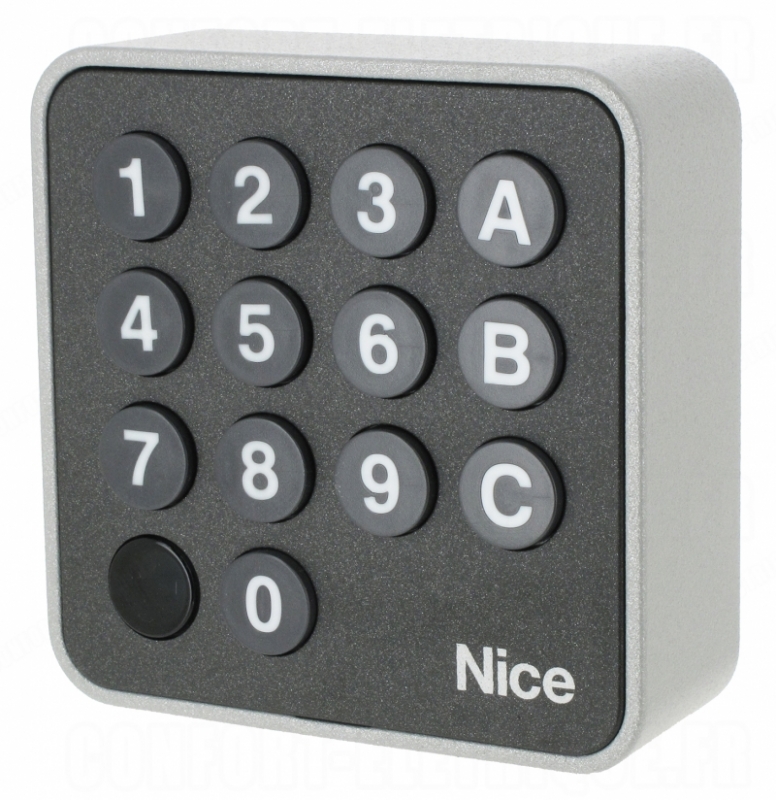
The keypad can control up to 3 devices. It's easy to use: just enter your own 4–8 digit code on the keypad. Alongside standard wired models, a wireless version is also available. Pair it with the operator like a standard remote, then use the numeric code to operate the operator. |
|||
 |
Card readers | Details |
|
|
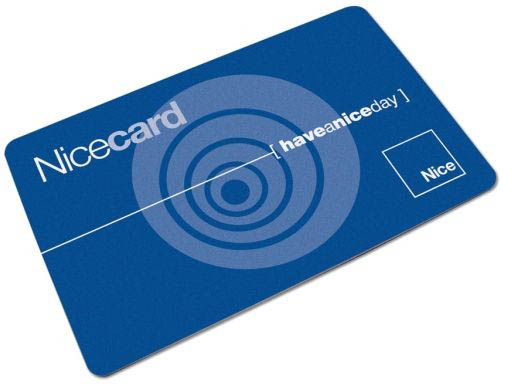
This popular way to open gates and barriers consists of a reader (transponder—the device you hold the card up to) and a card or key fob. The card is the size of a standard credit card and can be signed or printed on. The key fob is smaller and more practical. |
|||
 |
Wireless buttons | Details |
|
|
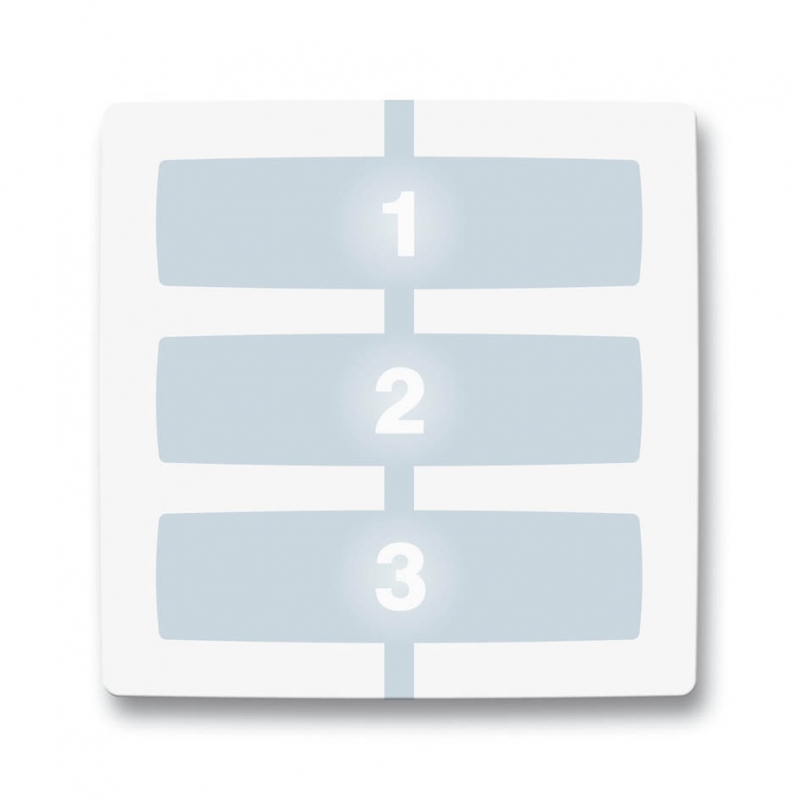
Wireless buttons suitable for wall mounting or installation elsewhere. If you need a remote in a fixed location at home, at your business, or in a gatehouse, wireless buttons are ideal. Remotes are available with different numbers of buttons, as well as various covers and extensions. |
|||
 |
Key switches | Details |
|
|
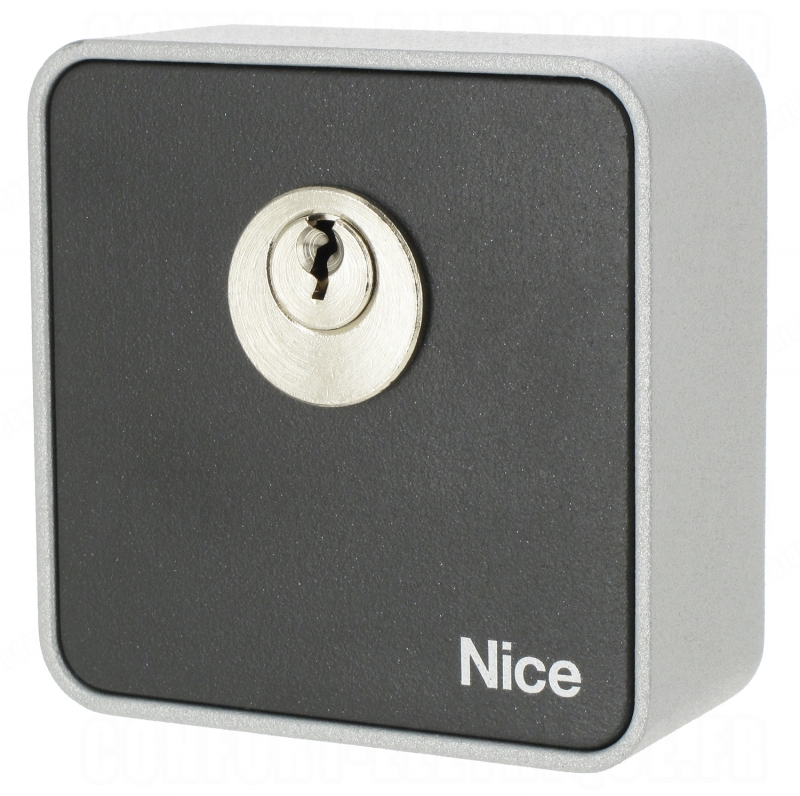
A key switch is a simple, two-position device. Turning the key to the right or left activates the relay. Ideal as a backup control method. |
|||
 |
Automatic timers | Details |
|
|
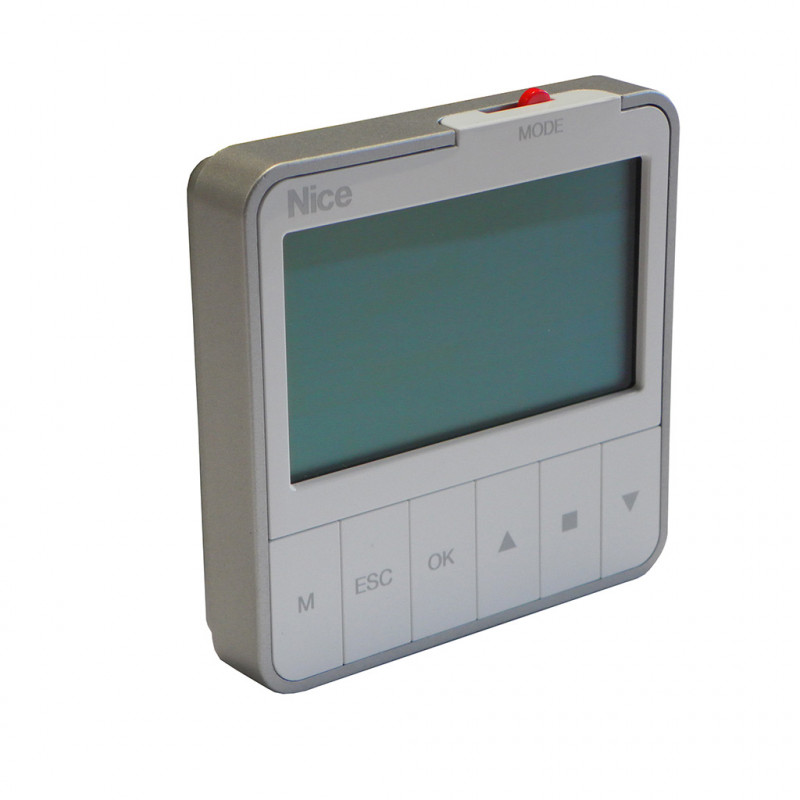
If you want to open and close the barrier at specific times, automatic timers are ideal. They send a command to the barrier at the set time—hour and minute. |
|||
 |
GSM module | Details |
|
|
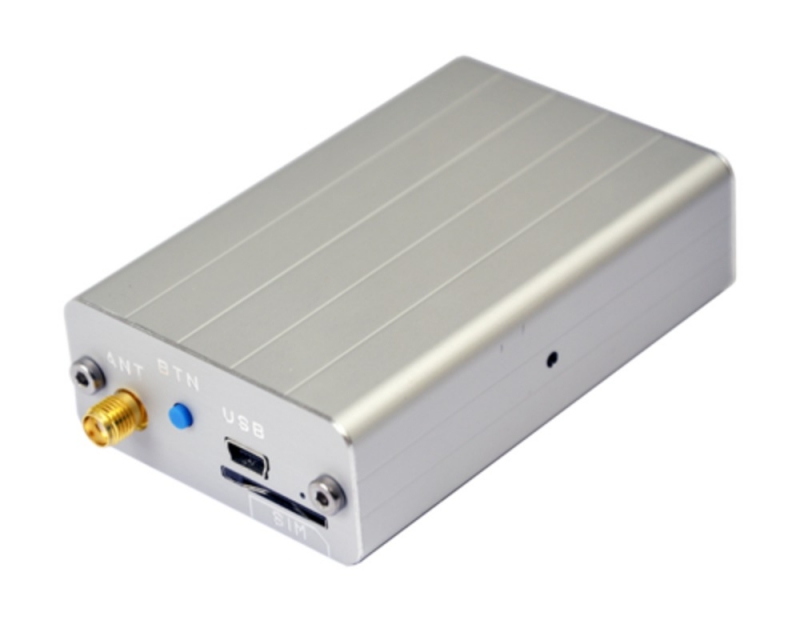
The GSM module opens a gate, garage door, or barrier when you call it and let it ring. Insert an active SIM card with its own number into the module. When that number is called, the module sends a command to the control unit. Each module also has a list of authorised numbers that the GSM module will accept. This prevents anyone who knows the module's number from operating the gate. |
|||
 |
Wi-Fi module | Details |
|
|
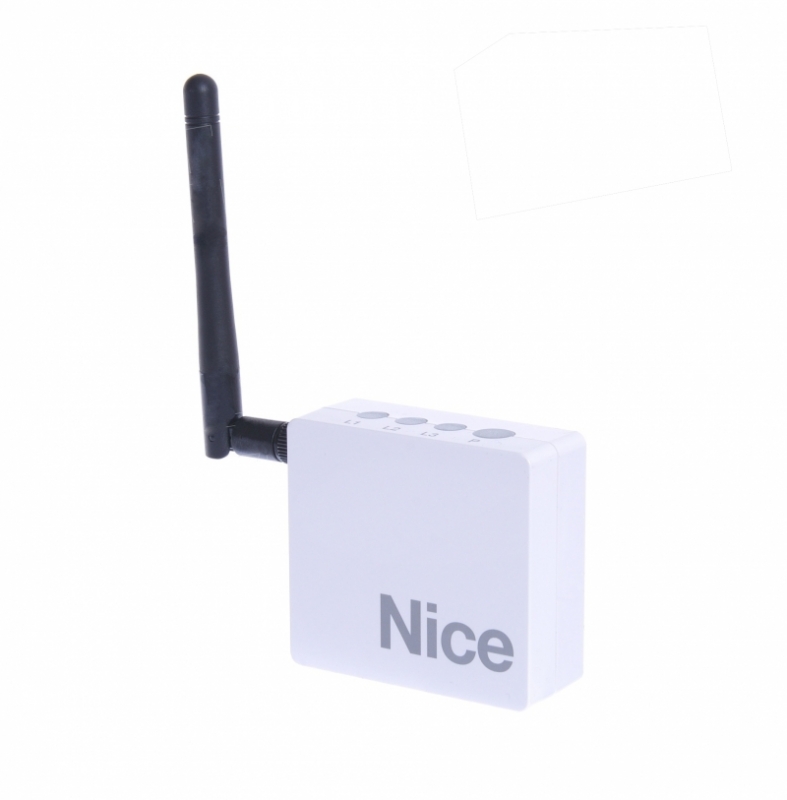
A smart Wi-Fi receiver for conveniently operating gate operators using smartphones. There is one requirement to bear in mind with this module: the Wi-Fi receiver must be within range of your home Wi-Fi network. Once set up and paired, you can operate the gate through the app, even using mobile data. |
|||






