Gate electronics: What are all the components for?
An overview of essential and optional electronics
Gate automation starts with the motor, but there’s much more to it than that. A few more components are needed for the gate to operate correctly. Some are included as standard, others expand the motor’s functions, and some are optional.
Electronics for gate motors
Every motor component has a purpose. Take the time to review each component and learn about its functions.
| Electronics for sliding gate motors | Detail | ||
|---|---|---|---|
 |
Sliding gate motor | Detail  |
|
|
Naturally, the motor itself comes first. A Nice electromechanical motor with a control unit that controls the entire gate automation system. |
|||
 |
Control unit | Detail |
|
|
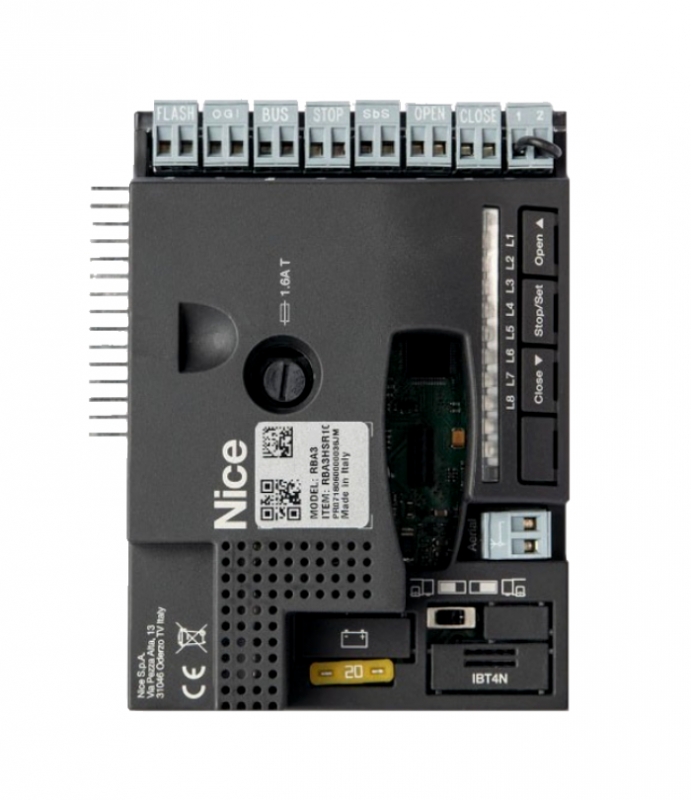
Every sliding gate motor includes a control unit.. It is integrated directly into the motor, so you won’t find it in the box. The receiver and other optional electronic components connect to the control unit. |
|||
 |
Receiver | Detail |
|
|
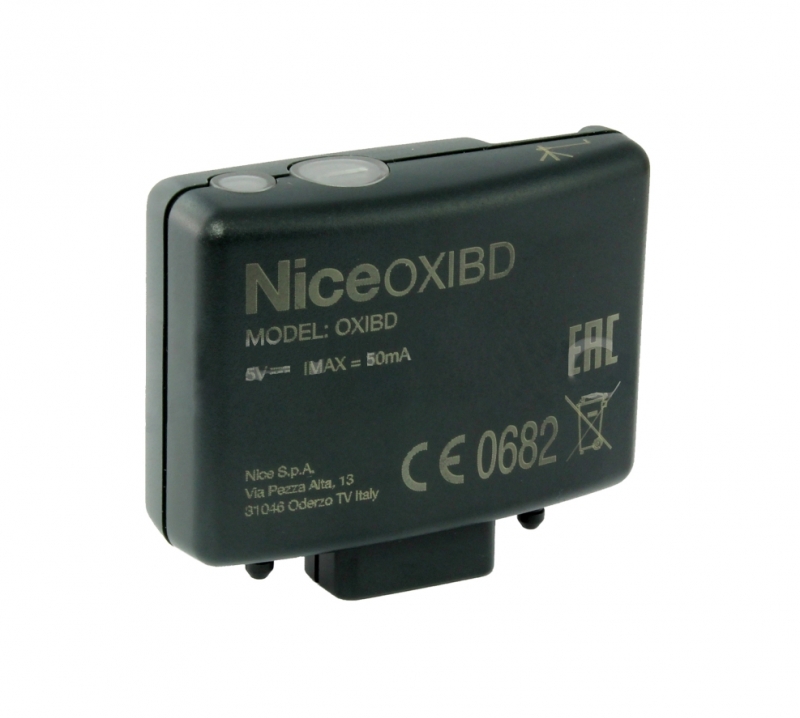
The receiver is used to receive radio signals from remote controls (transmitters). The receiver receives the signal from the remote control, decodes it and sends a command to the control unit. Please note: Some control units have a built-in receiver, so it may not be included in the package.. There are different types of receivers: standard receivers for regular remote controls, Wi-Fi receivers for mobile apps, and GSM receivers for control via mobile phone. |
|||
 |
Remote control (transmitter) | Detail |
|
|
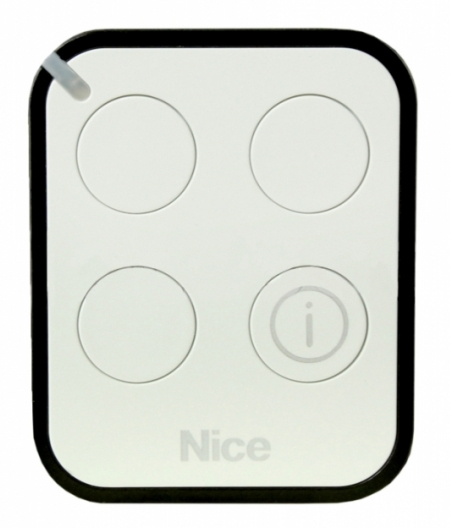
A remote control (also known as a transmitter) is a device that communicates with the receiver. The distance over which these two devices can communicate is determined by the receiver and antenna. Remote controls come in various shapes, sizes and colours, with different features.. The number of gates you can control depends on the number of buttons (motors) or you can use different buttons to send different commands to the gate. Remote controls are compatible with one another based on their coding. The easiest option is to buy the same remote control as the one you have now. We’ll be happy to advise you on compatibility and choosing a new remote control. |
|||
 |
Safety photocells | Detail |
|
|
Safety photocells are installed on either side of the opening. They create an infrared beam, which, if interrupted by a vehicle or pedestrian, for example, sends a signal to the motor to stop the gate’s movement, or prevent it from opening. |
|||
 |
Warning light | Detail |
|
|
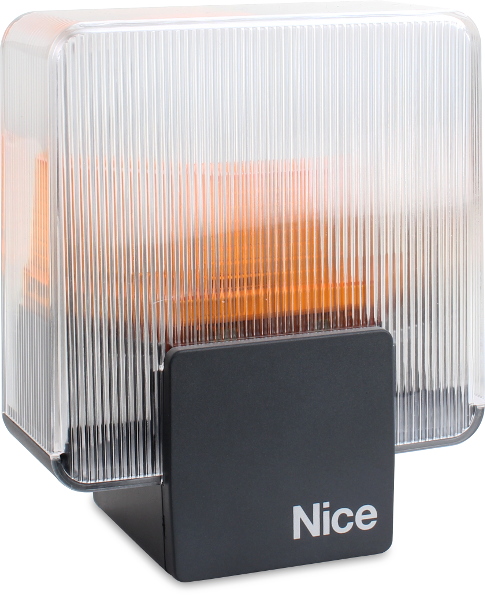
A warning light, also known as a signal lamp, has three important functions - 1) it provides a visual warning while the gate is opening or closing, 2) it has a built-in antenna to extend the range of the remote controls, and 3) it can diagnose motor faults and signal them by flashing; the number of flashes indicates the type of problem. This warning light can increase the range of your remote controls to around 150 metres (from the original 20 metres) and help you identify motor faults more quickly. |
|||
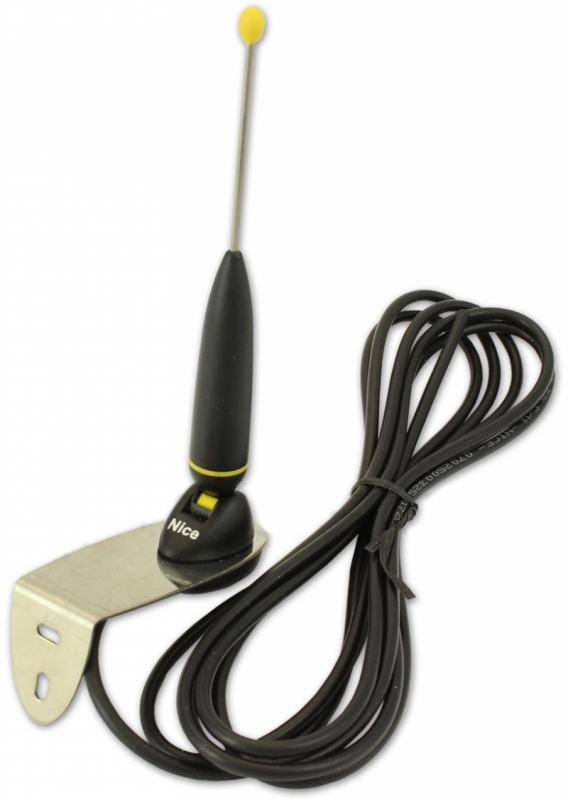 |
External antenna | Detail |
|
|
An external antenna increases the range of remote controls to around 150 metres (from the original 20 metres). This is useful if you don’t have a warning light or don’t want one for any reason, but need to increase the range of your remote control. |
|||
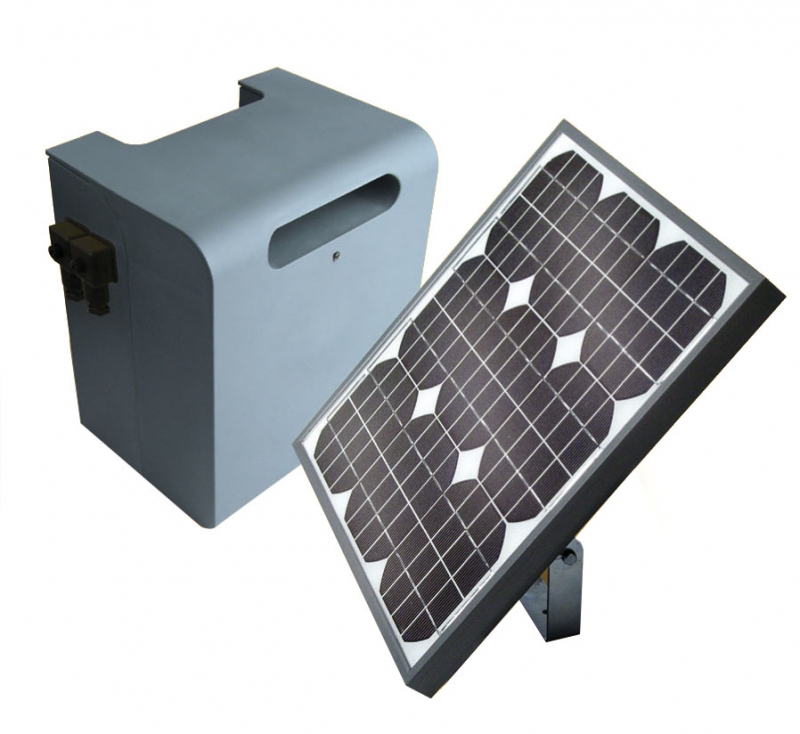 |
Backup power supplies | Detail |
|
|
The motor is an electronic device, so it won’t work without electricity. In that case, the motor remains locked and you won’t be able to push the gate open by hand. The package does include release keys, or you can purchase a backup power supply, which can provide enough power for a few extra cycles during a power outage (around 10). A backup power supply can be a rechargeable battery, continuously charged from the mains, or even a solar panel. |
|||






