A typical situation involving the ON3EBD transmitter in an environment with a high level of radio signal interference
The ON3EBD two-way remote control has a built-in receiver that receives status responses from the gate operator. This means that, in theory, it may (but doesn’t have to—and often doesn’t) receive the rolling codes of other devices in the home transmitting on the same frequency, even when in standby mode (boiler or air-conditioning thermostat, weather station, alarm, wireless doorbell, keyless car entry, etc.). Interference from other wireless devices can cause the following issues with the ON3EBD remote control:
- Rapid battery drain
- Short range of the remote controls
- Other
The solution is to reprogram the entire remote control to unidirectional mode:
1. Switching to unidirectional mode:
To switch the entire remote control to unidirectional mode, you must follow these steps for each button on the remote control.
- Press the “i” button on the ON3EBD remote control three times.
- Press and hold the button you want to switch on the remote control until the LED lights up red.
- Done
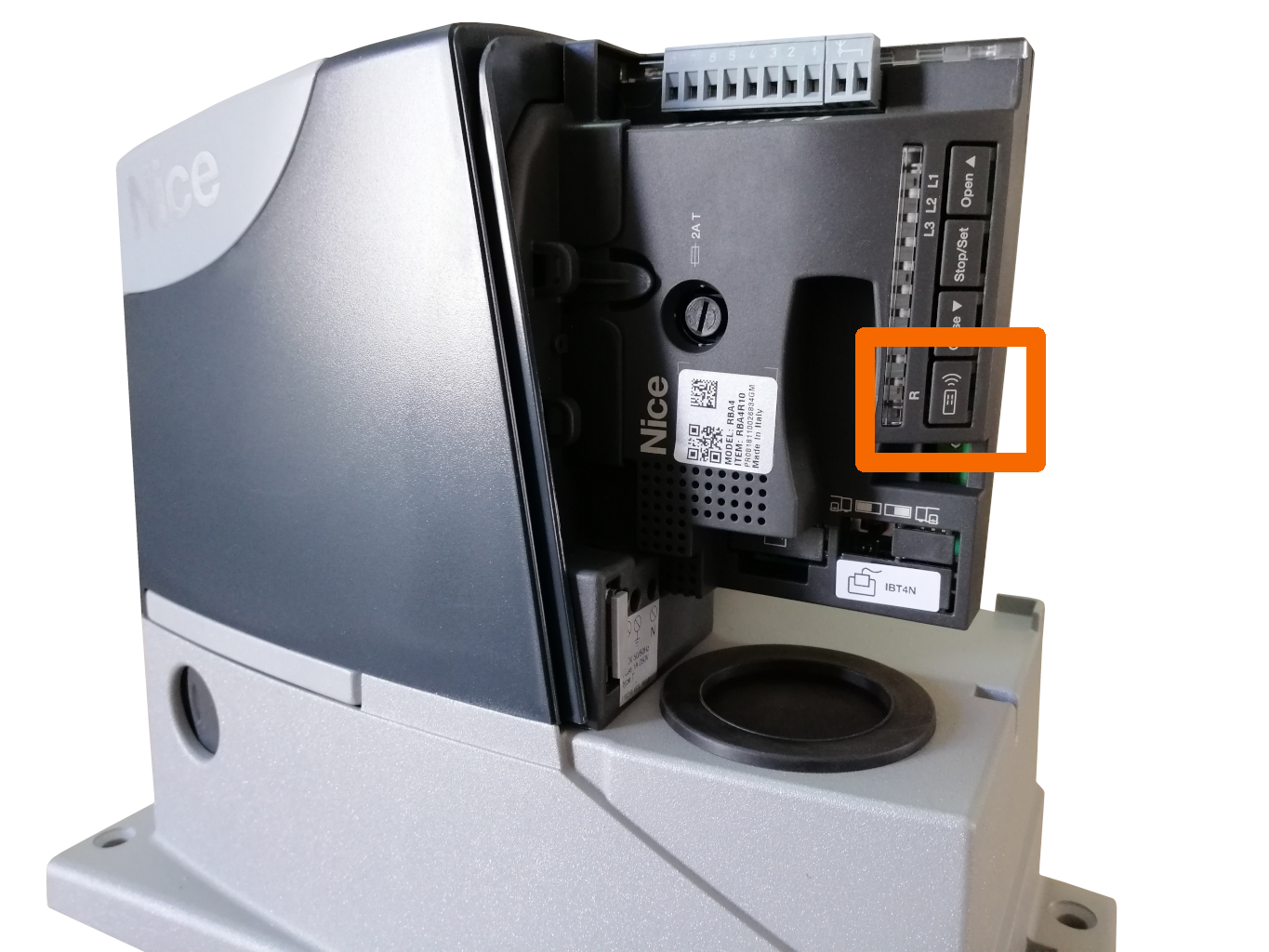
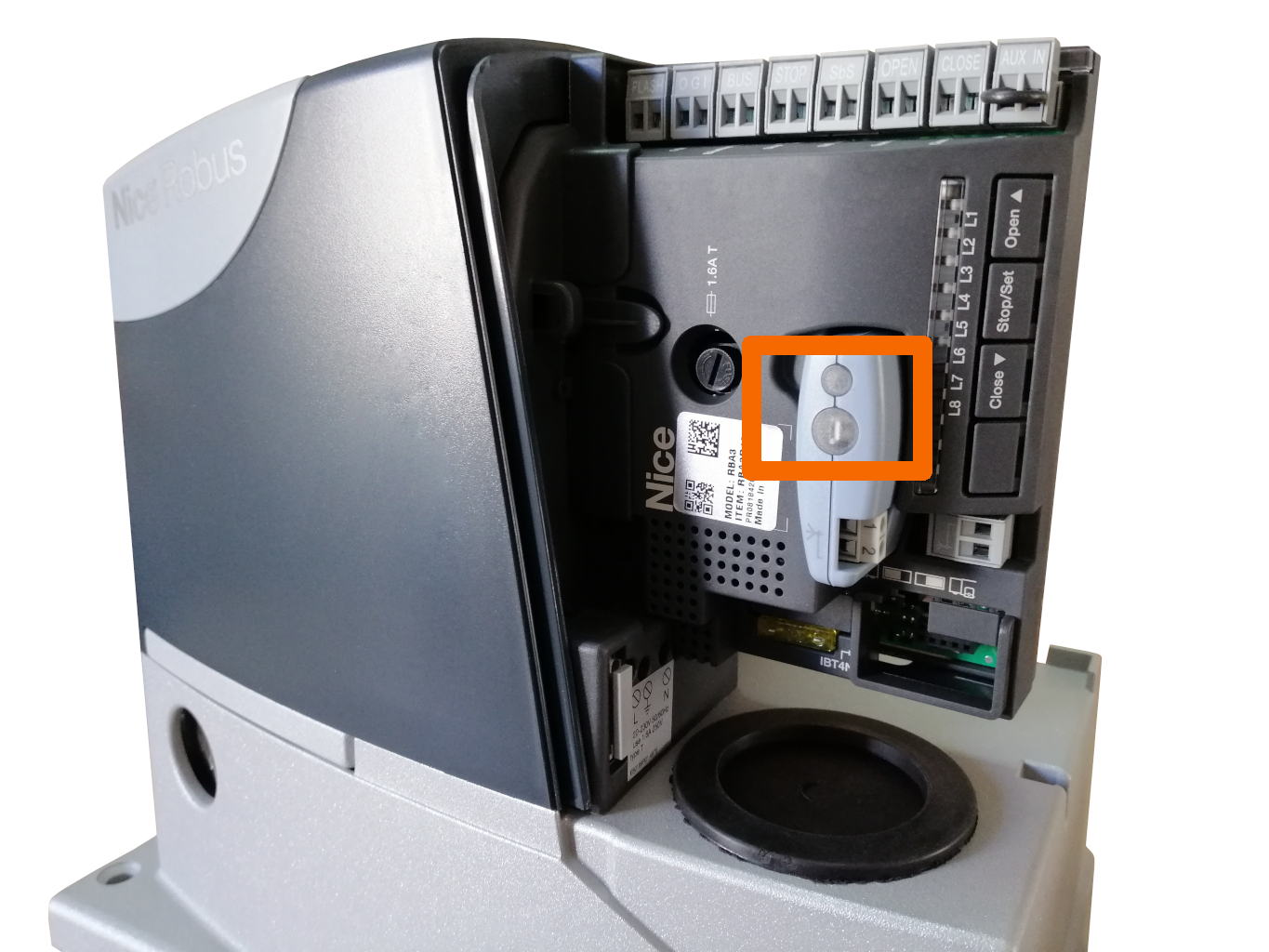
2. Pair the remote control with the operator again:
| Storing in memory in Mode I. | Storing in memory in Mode II. | ||||||||||
|---|---|---|---|---|---|---|---|---|---|---|---|
|
Storing the remote control in memory in Mode II is done in two steps: 1. Select the command
2. Pair the remote control Procedure:
|